
System Resources
CPURAMMemoryNetworkInterface
Displays CPU, RAM and network of your host
Displays CPU, RAM and network of your host in real time. Compact view keeps every configured chart in its familiar stacked layout, while advanced view adds the expanded per-source presentation.
Screenshots
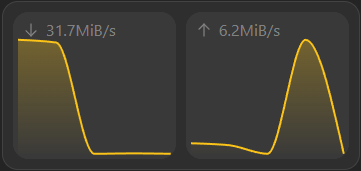
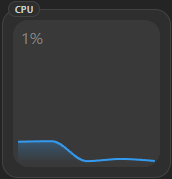
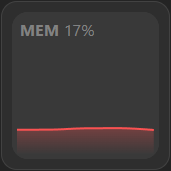
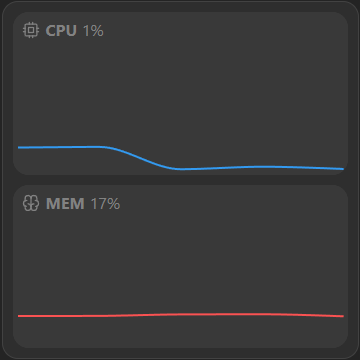
Supported Integrations

Dash.Dash. is a system performance and resource monitoring tool

Open Media VaultOpen Media Vault is a free network-attached storage server based on the Debian operating system.

TrueNASEnterprise network-attached storage for your home, office, and cloud.

Synology DiskStationMonitor CPU, memory, storage volumes, and system health from Synology DSM.

GlancesGlances is a cross-platform system monitoring tool.
Supports advanced view. See the advanced keyboard shortcuts.
Adding the widget
Add the widget from the board's Add board content menu in edit mode.
Configuration
| Name | Description | Values | Default value |
|---|---|---|---|
| Visible charts | Select the charts you want to be visible. |
| CPU, Memory, Network |
| Label display mode | Select how the graphs should be labeled |
| Show text with icon |
| Enable chart shading | Not only show a line, but also fill the area below | yes / no | Yes |