
iFrame
Embed any content from the internet. Some websites may restrict access.
If your application is not supported natively by Homarr, you can integrate it using the iframe widget. It uses the iframe element, which embeds the desired page in the browser. This means, no traffic is routed through Homarr (and the URL must be reachable from the client).
Screenshots
Adding the widget
Add the widget from the board's Add board content menu in edit mode.
Limitations
Although you can integrate many websites, some may not work. This is because the administrators of those sites disallow iframes for security reasons, as users could easily be tricked by embedding the original site on a malicious page.
Some proxies disallow iframes by default for this reason. You can use https://iframetest.com to check whether the site allows iframes.
If you manage all of your own applications, you can usually change that by configuring
the Content-Security-Policy header and its frame-ancestors directive. The obsolete
X-Frame-Options: ALLOW-FROM directive is not supported by modern browsers.
For example, to allow your site to be embedded in iframes from specific domains:
Apache (.htaccess or httpd.conf):
Header set Content-Security-Policy "frame-ancestors 'self' https://trusted-domain.com"Nginx:
add_header Content-Security-Policy "frame-ancestors 'self' https://trusted-domain.com";Example URLs
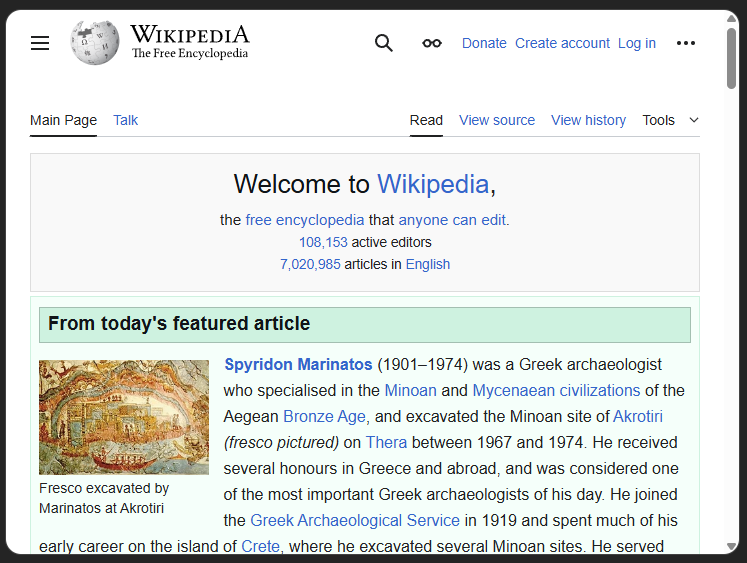
- Wikipedia homepage: https://en.wikipedia.org/wiki/Main_Page
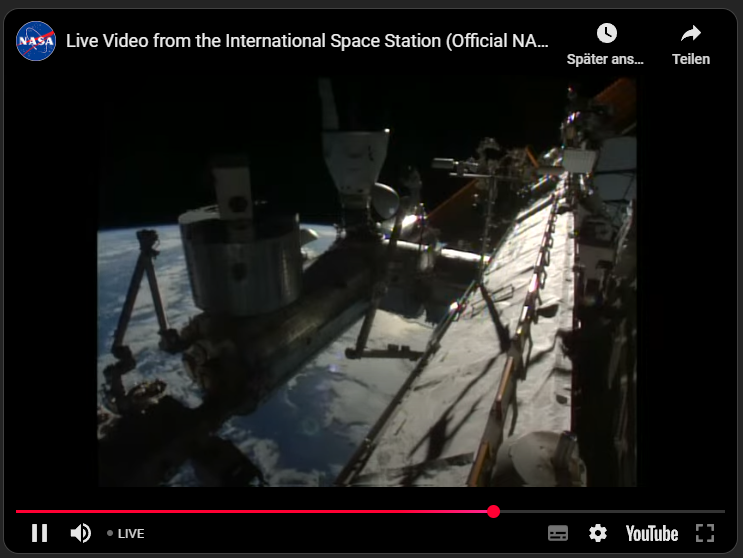
- Any YouTube video or stream: https://www.youtube.com/embed/dQw4w9WgXcQ?si=MWUbbG66UNTla_Ni
Homarr passes the configured URL directly to the browser. The iframe sandbox and configured permissions still apply.
Configuration
| Name | Description | Values | Default value |
|---|---|---|---|
| Embed URL | The URL of the content to embed in the widget. | Any valid URL | - |
| Allow full screen | Whether to allow the embedded content to be displayed in full screen mode. | yes / no | no |
| Allow scrolling | Whether to allow the embedded content to be scrolled. | yes / no | yes |
| Allow payment | Whether to allow the embedded content to process payments. | yes / no | no |
| Allow auto play | Whether to allow the embedded content to auto play media. | yes / no | no |
| Allow microphone | Whether to allow the embedded content to access the microphone. | yes / no | no |
| Allow camera | Whether to allow the embedded content to access the camera. | yes / no | no |
| Allow geolocation | Whether to allow the embedded content to access the geolocation. | yes / no | no |
| Allow modals | Whether to allow the embedded content to open modal windows. | yes / no | no |
Transparent iframes
To create a transparent iframe like below you can use the following html code and load it into your iframe:
<html style="color-scheme: dark;">
  <body style="background: none; display: flex; justify-content: center; align-items: center;">
    <img src="https://cdn.jsdelivr.net/gh/homarr-labs/dashboard-icons/svg/homarr.svg" width="90" height="90" />
  </body>
</html>
Third-party content
The content below is an overview of third-party projects. All support requests/problems must be redirected to the appropriate repository. We cannot guarantee the functionality nor security of these tools.
homarr-iframes from Diogo Valentim
The project homarr-iframes has iframes designed to be used with Homarr, these iframes offer a minimalist view of other systems:
- Vikunja: overview of your tasks with links to them.
- Linkwarden: overview of your bookmarks with links to them.
- Cinemark Brazil: overview of the movies in Cinemark theaters in your city (only in Brazil).
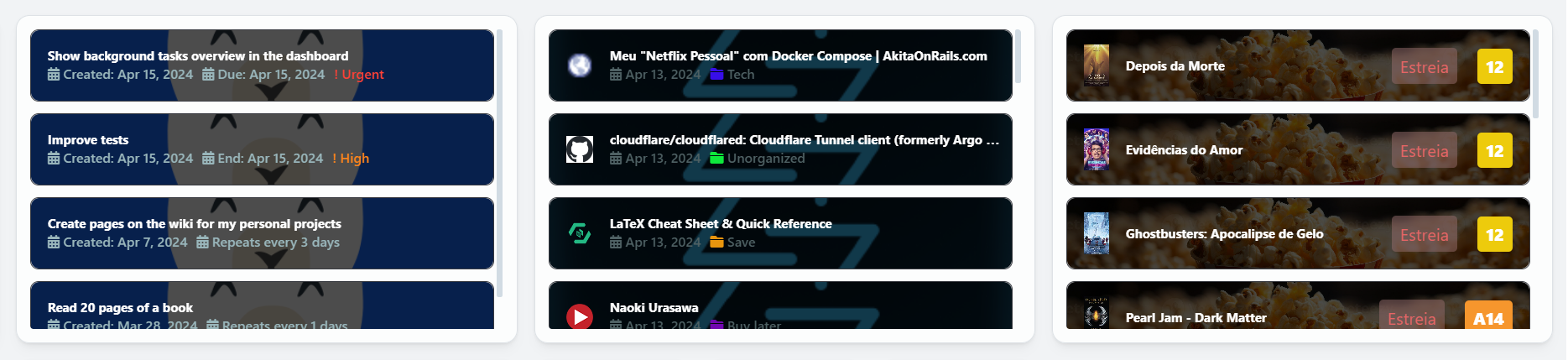
You can configure the iframes appearance and behavior using query arguments when adding them to your dashboard, like selecting the iframe theme and limit of items to show, and other options specific to each iframe.