
Notebook
Notes
A simple notebook widget that supports markdown.
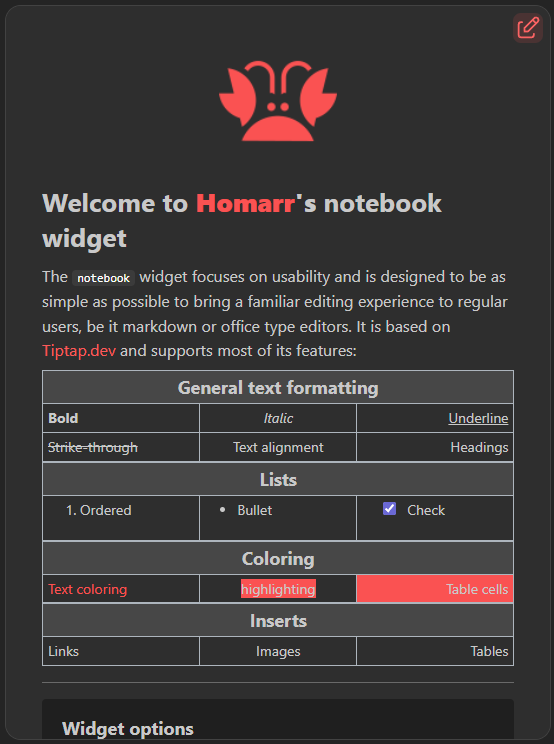
The Notebook widget stores rich text on a board. Its editor supports headings, formatting, lists, links, images, tables, text direction, and alignment.
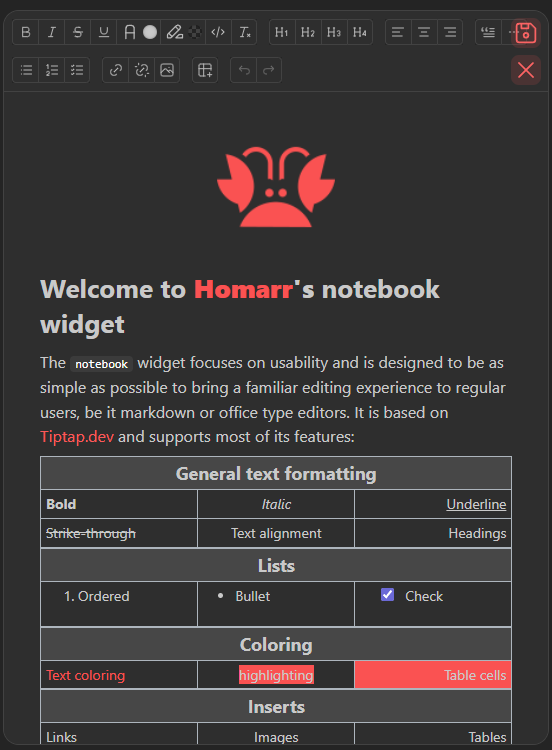
Select the edit action or double-click the document to edit it. Save or cancel from the same action area. Editing follows the board's permissions.
The toolbar includes collapsible sections and table controls for inserting tables, coloring selected cells, editing rows and columns, toggling headers, and merging or splitting cells.
View mode
Editing
Adding the widget
Add the widget from the board's Add board content menu in edit mode.
Configuration
| Name | Description | Values | Default value |
|---|---|---|---|
| Show the toolbar to help you write markdown | Upon editing, enables a toolbar at the top with document editing functions. | yes / no | yes |
| Allow check in read only mode | Allows the ability to check the boxes from checklists outside of editing | yes / no | yes |