Entity State
Smart home
Display the state of an entity and toggle it optionally
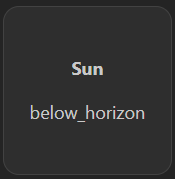
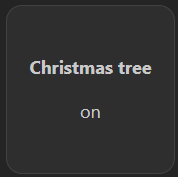
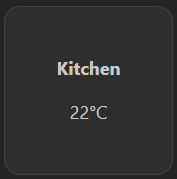
The Entity State widget shows a Home Assistant entity's state and can optionally toggle it. Advanced view includes the entity ID, unit, device class, icon, and update timestamps; arbitrary attributes are not exposed.
Screenshots
Supported Integrations

Home AssistantHome Assistant is an open-source home automation platform that focuses on privacy and local control, allowing you to automate and control your smart home devices.
Interactions
- Toggle entity state by clicking on the entity (only when clickable enabled).
- After a successful toggle, the displayed state refreshes immediately.
- If Homarr cannot refresh an entity, the last known state stays visible but toggling is disabled until the connection recovers.
Supports advanced view. See the advanced keyboard shortcuts.
Adding the widget
Add the widget from the board's Add board content menu in edit mode.
Configuration
| Name | Description | Values | Default value |
|---|---|---|---|
| Entity ID | The ID of the entity to display. This can be any entity that is available in your smart home integration. | String | sun.sun |
| Display Name | Display name for the entity, if not set the entity ID will be used. | String | Sun |
| Entity unit | Optional unit for the entity (will be displayed after the value). | String | |
| Clickable | If enabled, the entity will be clickable and will toggle the state of the entity. | yes / no | no |
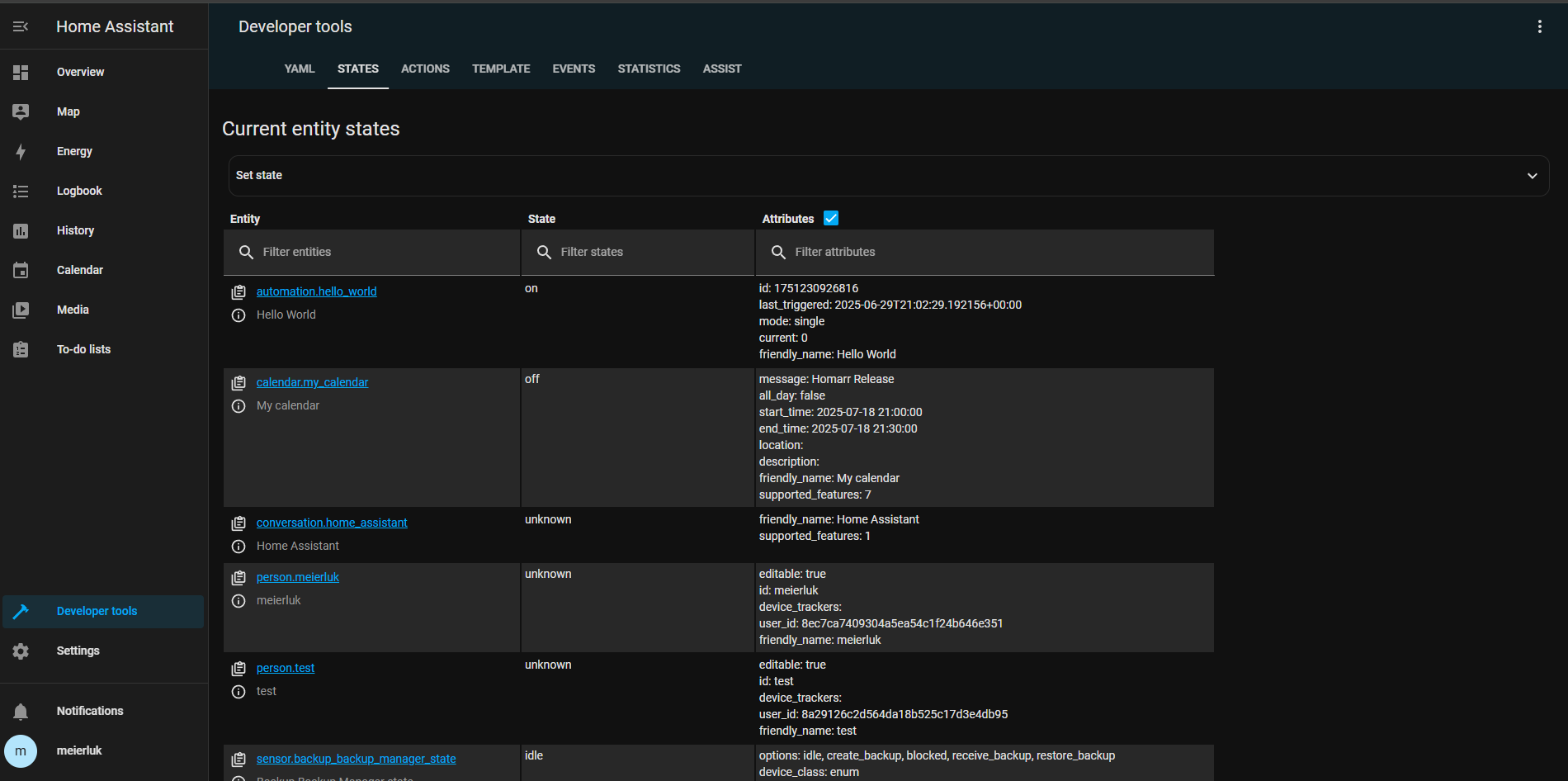
Entity ID
Find the entity under Home Assistant → Developer Tools → States and copy its domain.object_id value.