
Users
A user is a Homarr identity with preferences, sessions, group memberships, and optional resource access. Homarr can use local credentials, LDAP, or OIDC; see Single sign-on.
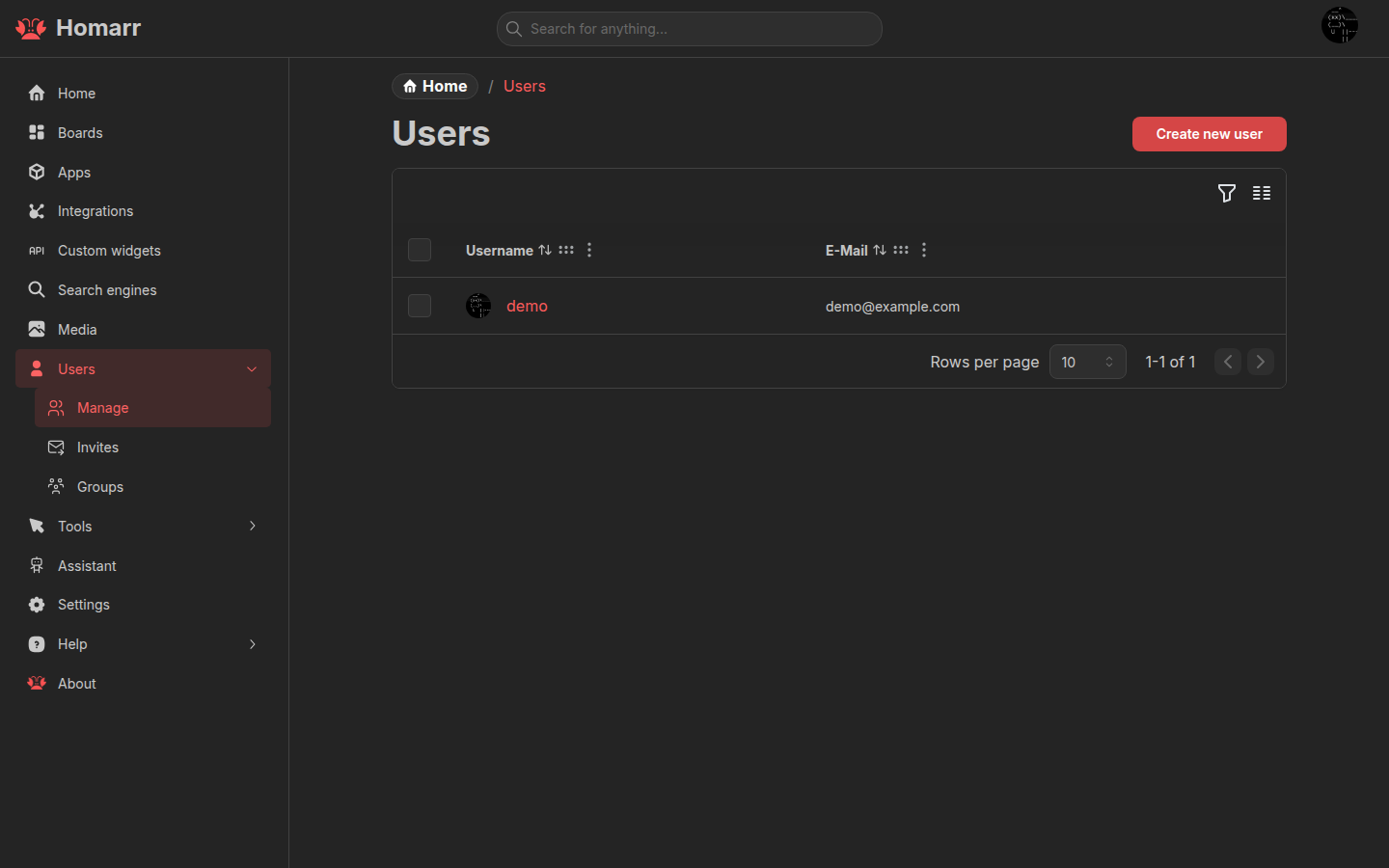
Manage users under Management → Users → Manage. Administrators can change a user's profile, language, home boards, search preferences, data-size units (binary KiB/MiB or decimal KB/MB), week start, accessibility preference, and local password. Decimal units are the default. Change them from the user form or Command menu (Ctrl/Cmd + K) → Preferences → Data size units. Byte rates follow the same preference; bit rates stay decimal and use labels such as Mb/s. Deleting a user does not delete boards they created.
In demo mode (DEMO_MODE=true), user deletion, password changes, and local username changes are disabled for everyone,
including administrators, even when DEMO_READ_ONLY=false allows other changes. With demo editing enabled, other
profile preferences remain editable. This applies to the UI and API.
Groups
Groups provide permissions and default desktop or mobile home boards. A user receives permissions from every group they
belong to. The Everyone group automatically contains every user and cannot be renamed or have members removed.
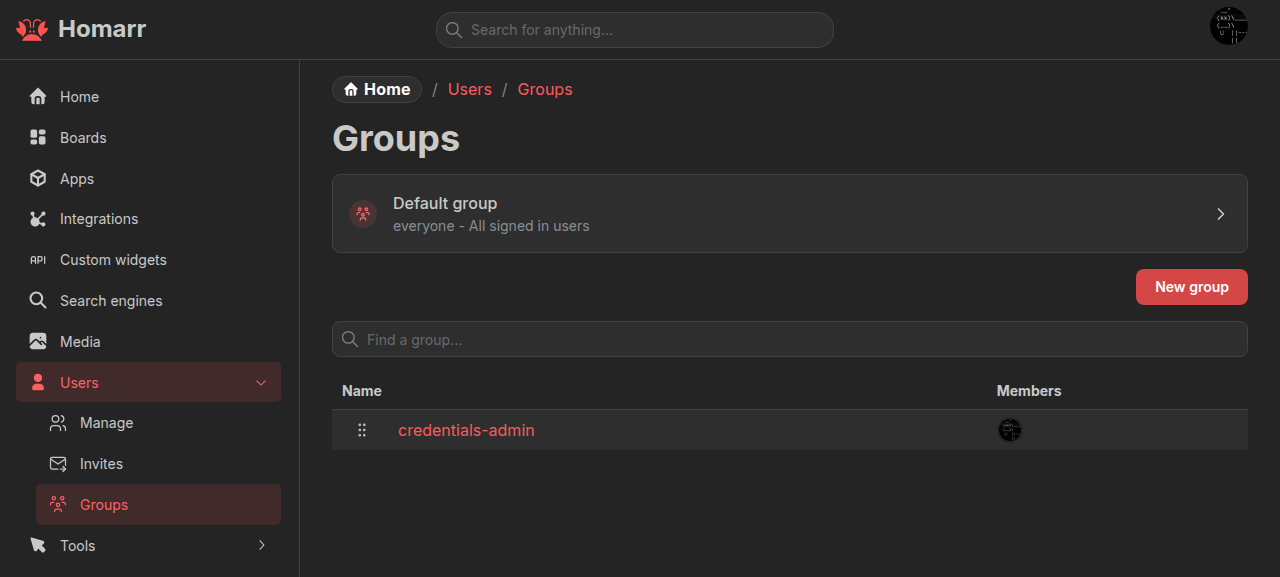
Group order controls preference defaults when a user belongs to several groups. Permissions are cumulative across groups; a more privileged group cannot be cancelled by a less privileged one.
Permission model
Most resource categories combine an access level with separate capabilities such as creation.
| Category | Access levels, from lowest to highest | Separate capabilities |
|---|---|---|
| Boards | View all → Modify all → Full access | Create boards |
| Apps | Modify all → Full access | Use all, create apps |
| Integrations | Use all → Interact with any → Full access | Create integrations |
| Search engines | Modify all → Full access | Create search engines |
| Media | View all → Full access | Upload media |
| Other | View logs | — |
| Administration | Administrator | — |
Higher levels include the lower levels in the same category. Administrator grants every permission and disables the other permission controls.
Apps are an exception: modifying every app does not by itself allow using every app on a board. Grant Use all apps or full app access when both behaviors are required.
The Viewer, Editor, and Admin presets fill common permission sets. Effective permissions shows the complete result, including inherited permissions.
Custom Widget management, import, preview, secrets, Workshop installation, and placement configuration require an administrator. Normal board permissions still control viewing and using a placed Custom Widget.
Resource access
Global group permissions apply to every resource in a category. Boards and integrations can also grant access to specific users or groups:
- Board access uses View, Modify, and Full levels.
- Integration access uses Use, Interact, and Full levels.
See Boards and Integrations.
Invitations
Invitations let a user create a local-credentials account before an expiry time. They require the credentials authentication provider.
Create an invitation under Management → Users → Invitations, choose an expiry, and copy the generated URL. The token is shown once. Deleting the invitation or reaching its expiry invalidates the URL.