
Backup and restore
Administrators using SQLite can export and restore the complete Homarr database under Management → Tools → Backup. PostgreSQL installations must use their database-native backup tools.
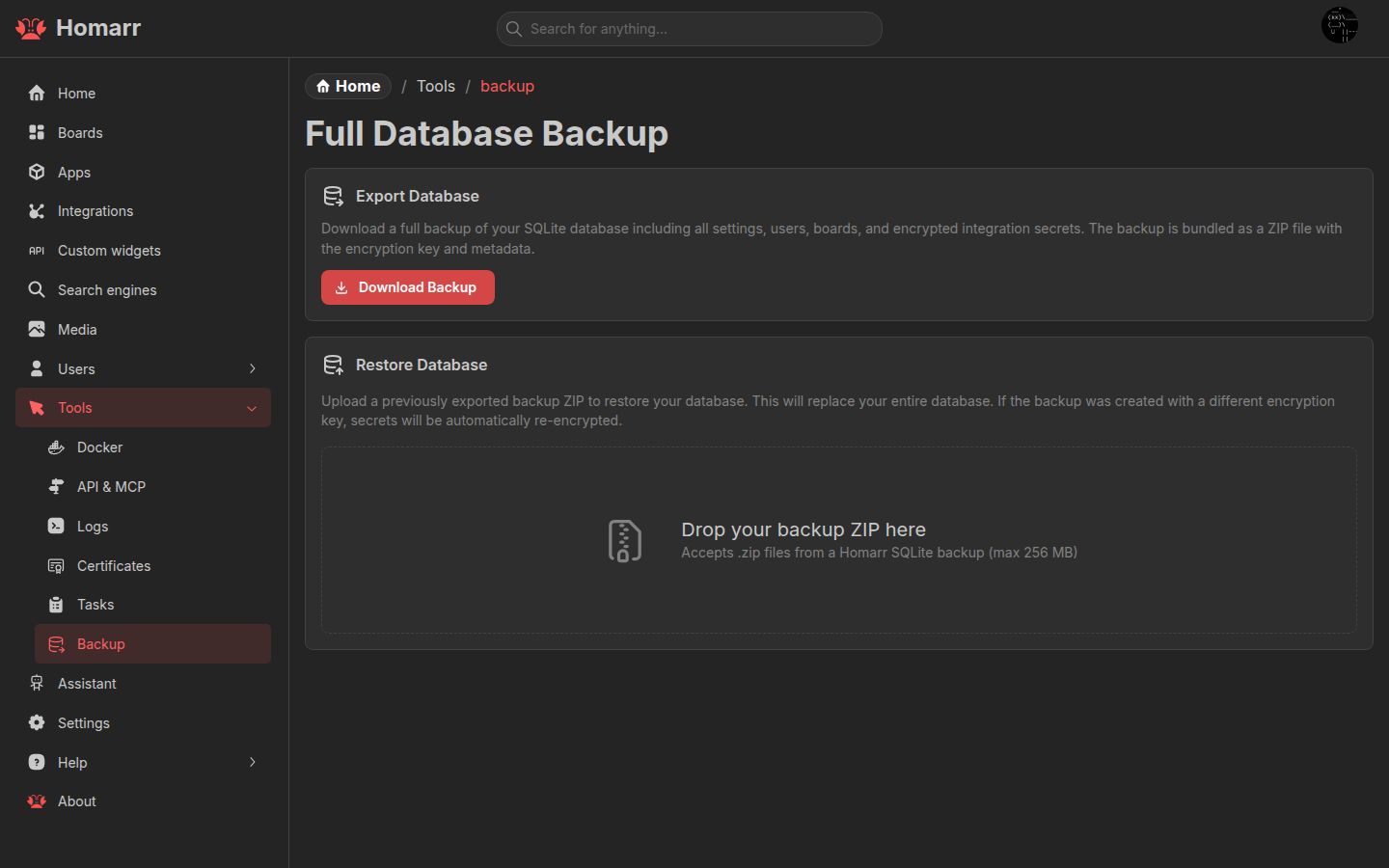
For an existing MySQL installation, convert to SQLite before upgrading to v2. The converter produces a database file, not a backup ZIP.
Export
The ZIP contains:
| File | Contents |
|---|---|
db.sqlite | Apps, integrations, boards, users, settings, and other data |
metadata.json | Homarr version, backup timestamp, and encryption metadata |
Export requires typing I understand. Store the ZIP as sensitive data: it contains the database and the material
needed to restore encrypted integration credentials.
Restore
Select a Homarr backup ZIP. The browser previews entity counts, board names, and required database migrations before the archive is uploaded.
Restoring replaces the current SQLite database and cannot be undone. It also invalidates the current database session. After a successful management restore, Homarr waits for the restarted server and sends the administrator to sign in again. The first-run onboarding restore keeps its existing board destination.
A backup can be restored on another Homarr instance. When its SECRET_ENCRYPTION_KEY differs, Homarr re-encrypts stored
integration secrets for the target instance. Version metadata is used to apply compatible migrations.
The same restore flow is available during first-run onboarding, before the target database contains user data.