Settings
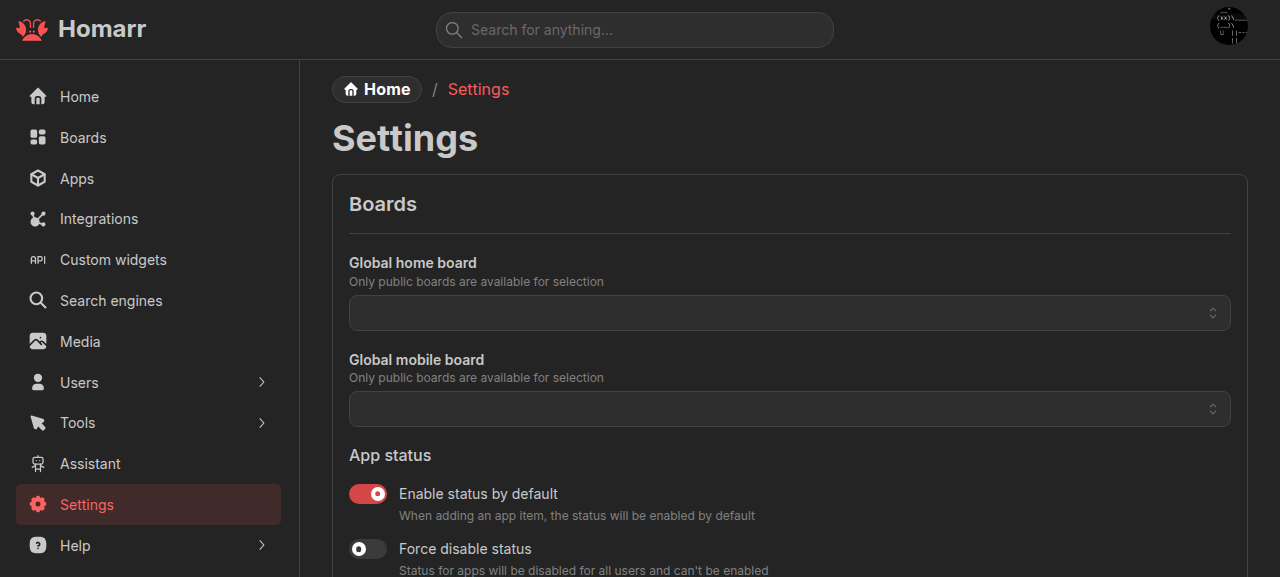
Settings apply to the entire Homarr instance. The save bar appears after a change; use Save changes to apply it or Discard to revert it. Some changes require a full page reload.
Boards
Global home board is the fallback for users without a personal home board and for anonymous users. Global mobile board overrides it on mobile devices. Both must be public.
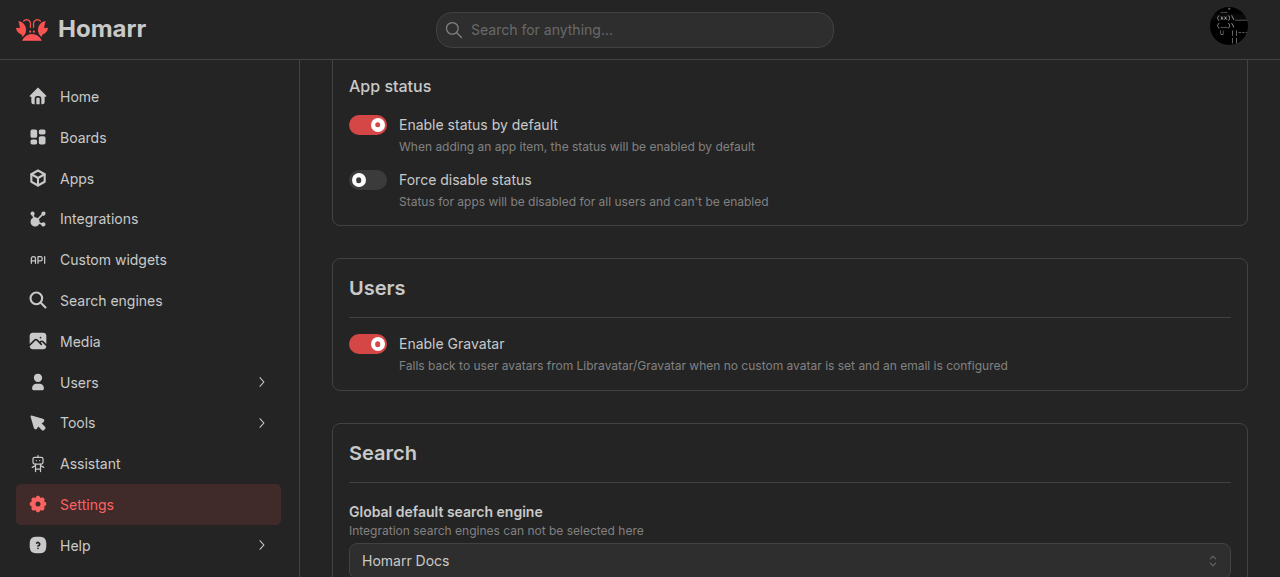
Enable status by default sets the initial status-check state for new app items. Force disable status turns app status off instance-wide.
Users
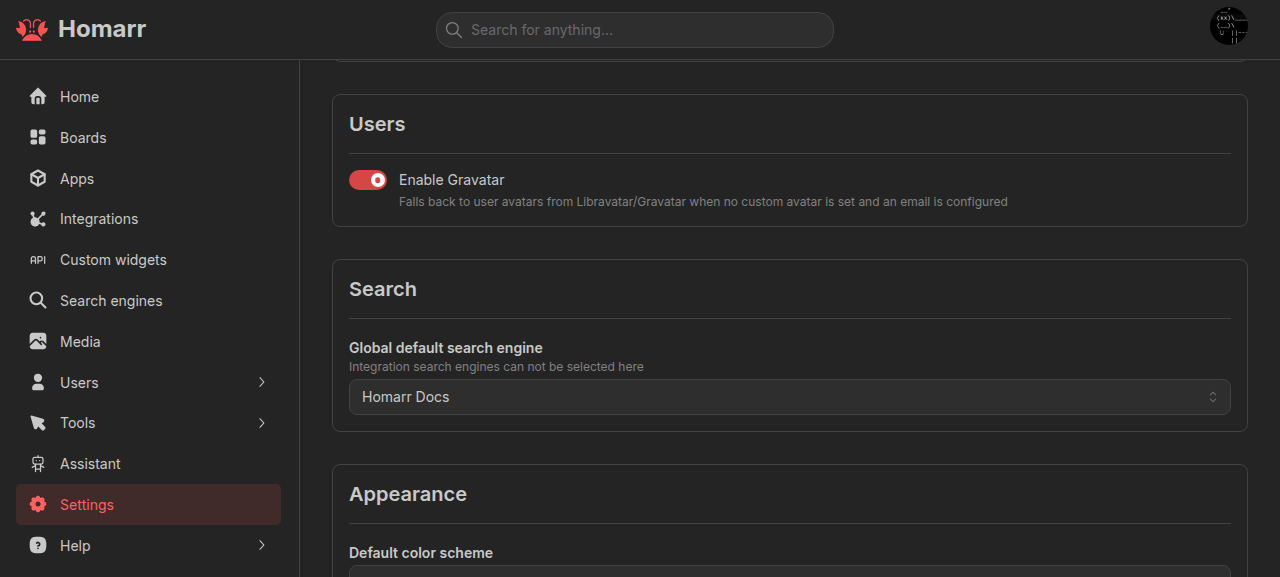
Enable Gravatar uses Libravatar or Gravatar when a user has an email address but no custom avatar.
Search
Global default search engine is the instance fallback. Integration-backed search engines are configured per user, not here.
Appearance
Default color scheme is the fallback for users without a personal color-scheme preference.
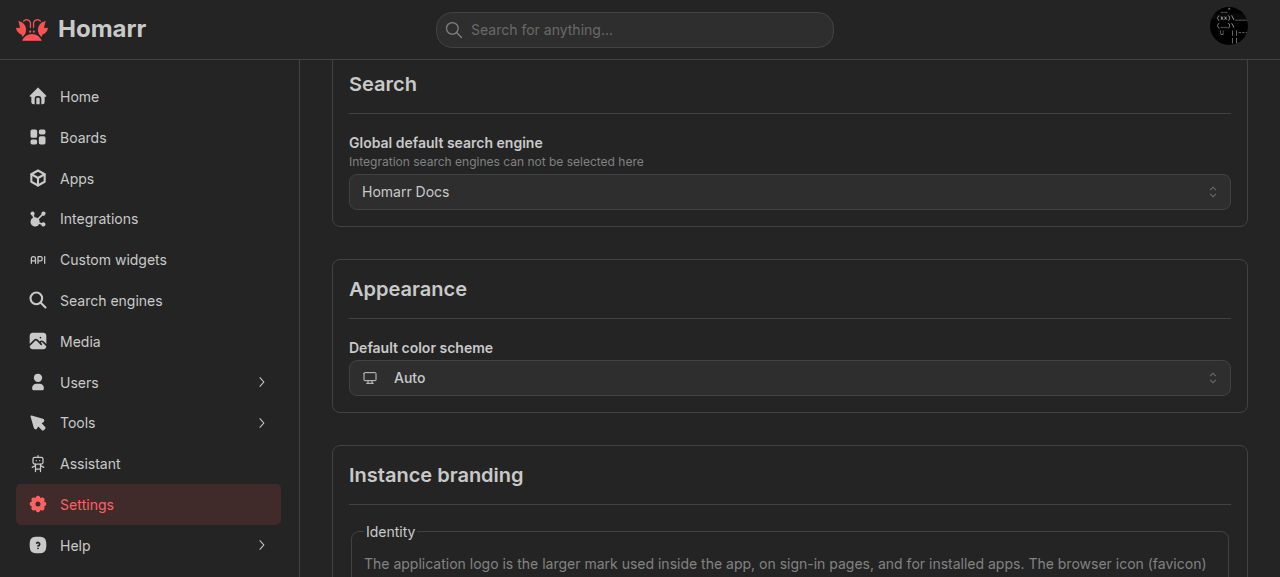
Instance branding
Branding is stored server-side and applies across the instance after saving.
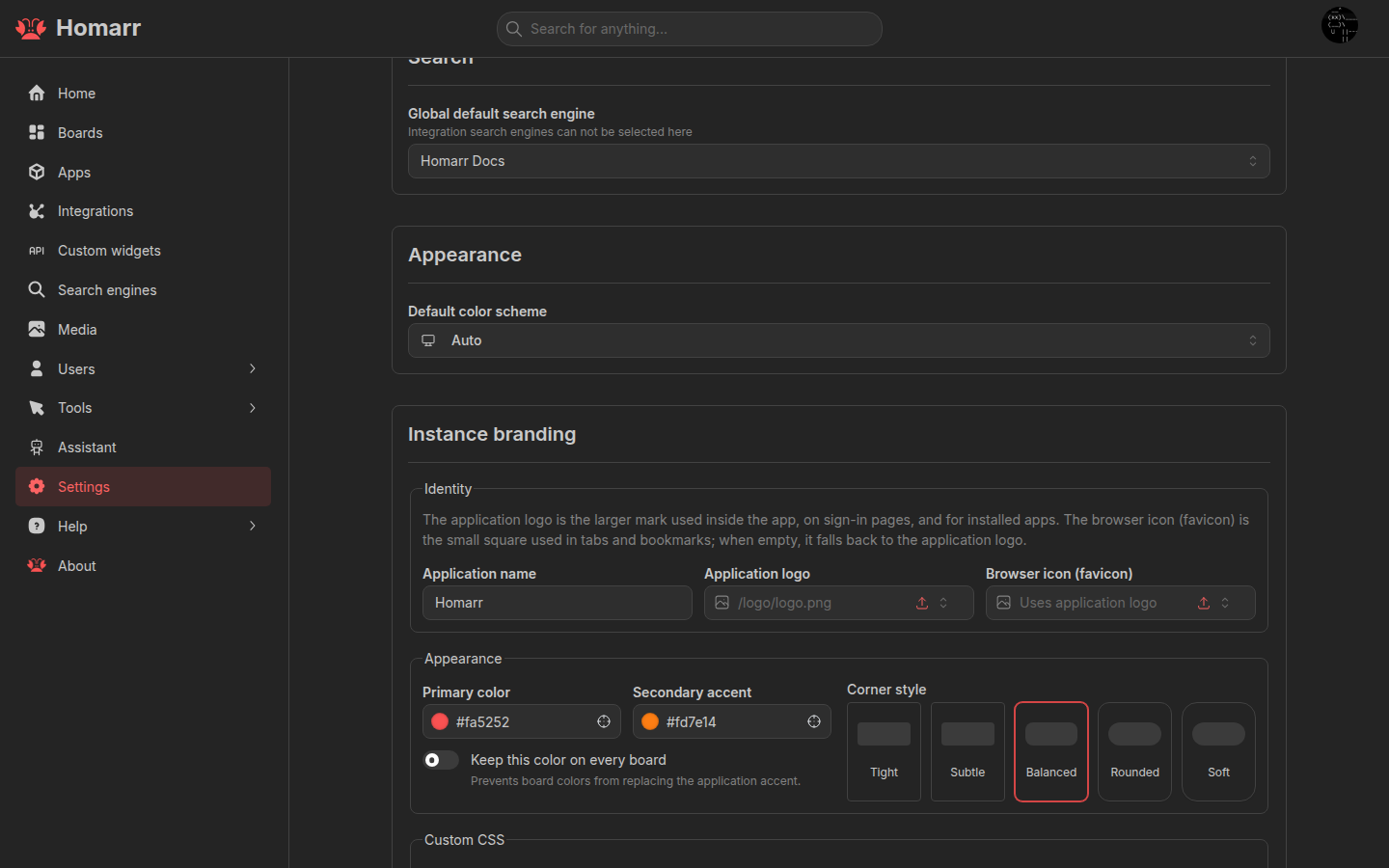
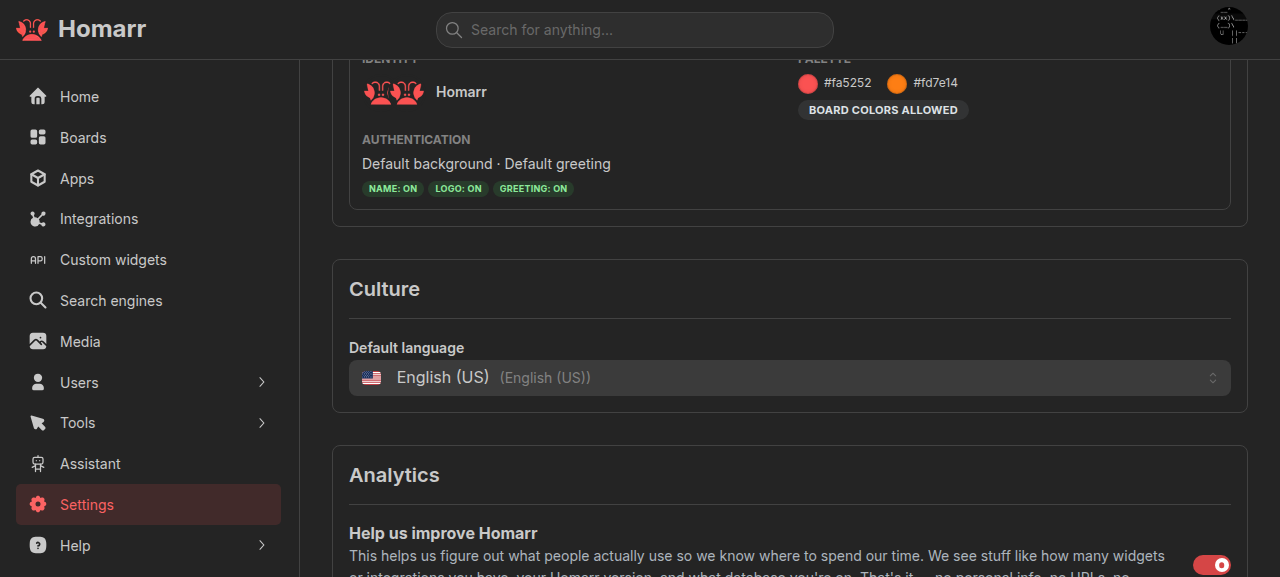
Identity and appearance
Set the application name, logo, browser icon, primary and secondary colors, and corner style. Keep this color on every board prevents board colors from replacing the application accent. The browser icon falls back to the application logo when empty.
Images accept HTTP(S) URLs or app-relative paths.
Global custom CSS
Global custom CSS applies to every page. Write CSS directly or import a theme from the Workshop. Board custom CSS loads later and can override it.
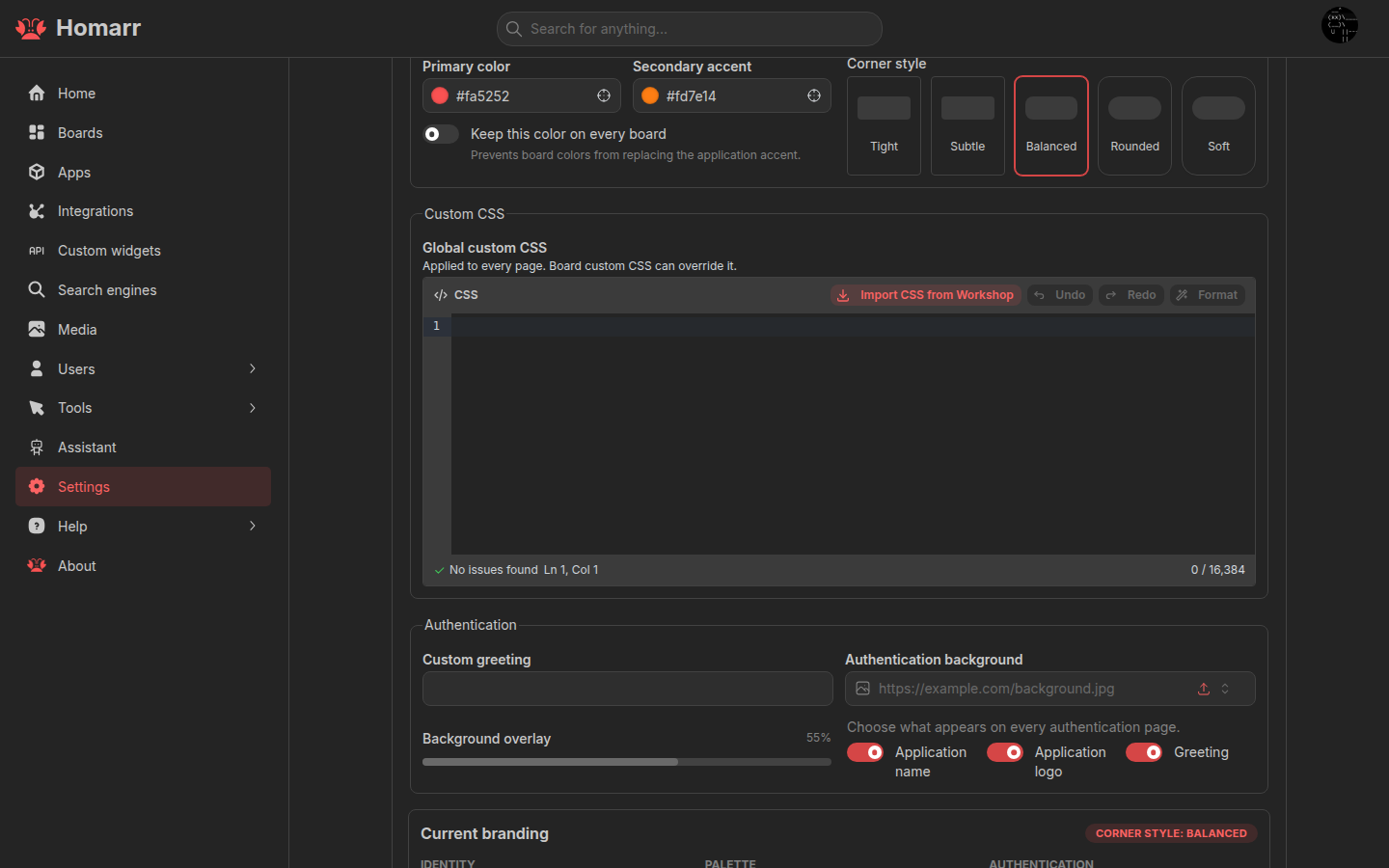
See Styling for selectors, theme variables, and board-level CSS.
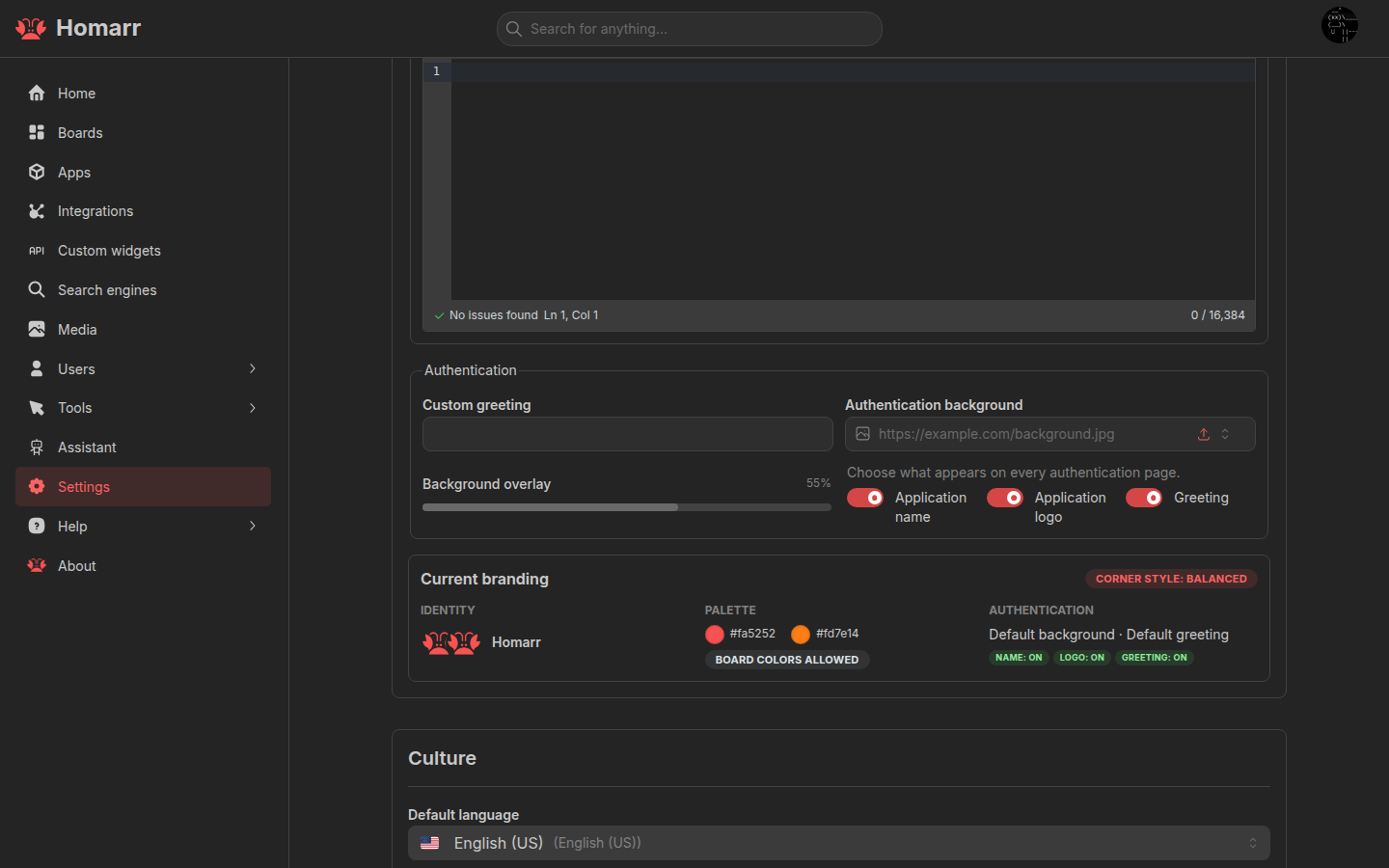
Authentication pages
Set a greeting, background image, background overlay, and whether the application name, logo, and greeting appear on authentication pages.
Culture
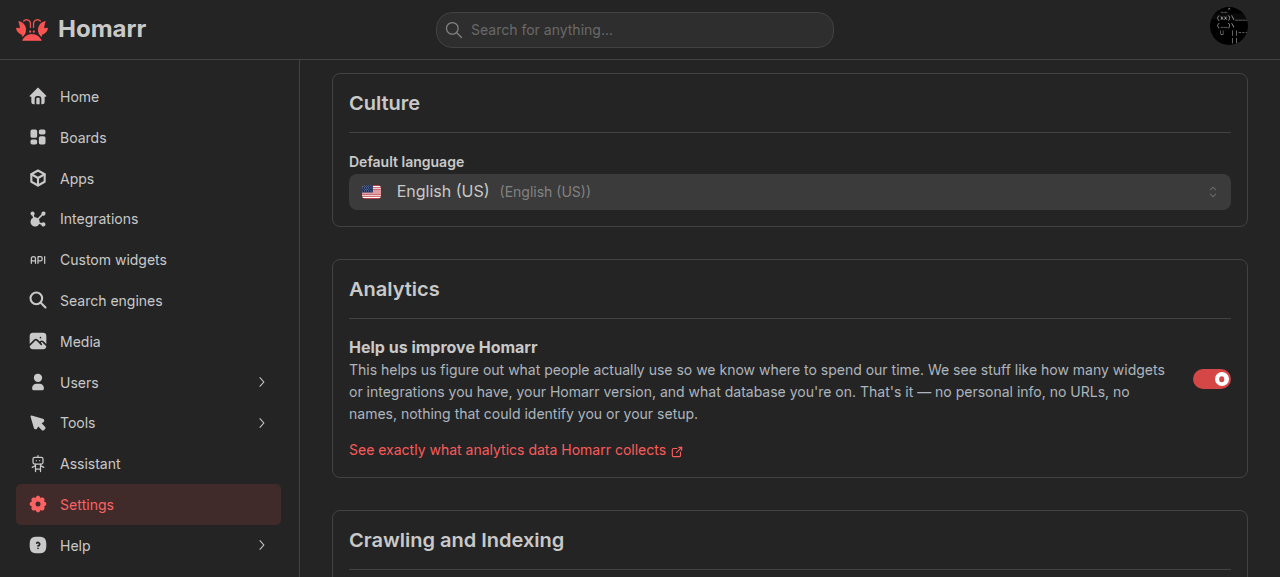
Default language is the fallback for users without a personal language preference.
Crawling and indexing
These options set crawler directives:
- No index asks crawlers not to index the instance.
- No follow asks crawlers not to follow links.
- No translate asks supported services not to offer translated search results.
- No site links search box asks Google not to add a search box to the result.
Crawlers can ignore these requests.
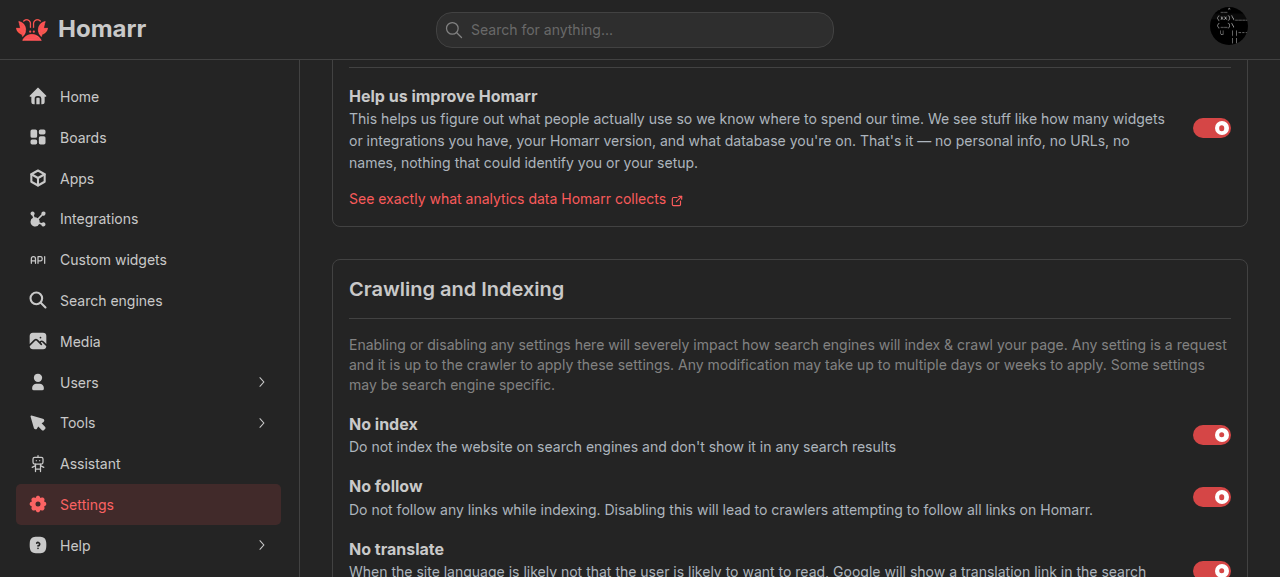
Analytics
When Help us improve Homarr is enabled, Homarr sends analytics to its PostHog server at https://hog.homarr.dev.
The weekly server report also runs when Homarr starts.
The report contains the Homarr version, database and platform details, enabled authentication providers, default language, and counts or types of configured resources such as boards, apps, widgets, integrations, users, and groups. Selected setup flows also send coarse events such as the entry point, intent, outcome, and elapsed time.
Homarr does not send names, URLs, usernames, email addresses, credentials, integration secrets, API keys, logs, or error messages. Browser page views, page leaves, and automatic interaction capture are disabled.
Disable the setting and reload the page to stop analytics. NO_EXTERNAL_CONNECTION=true blocks analytics together with
all other external requests. See Environment variables.