
After the installation
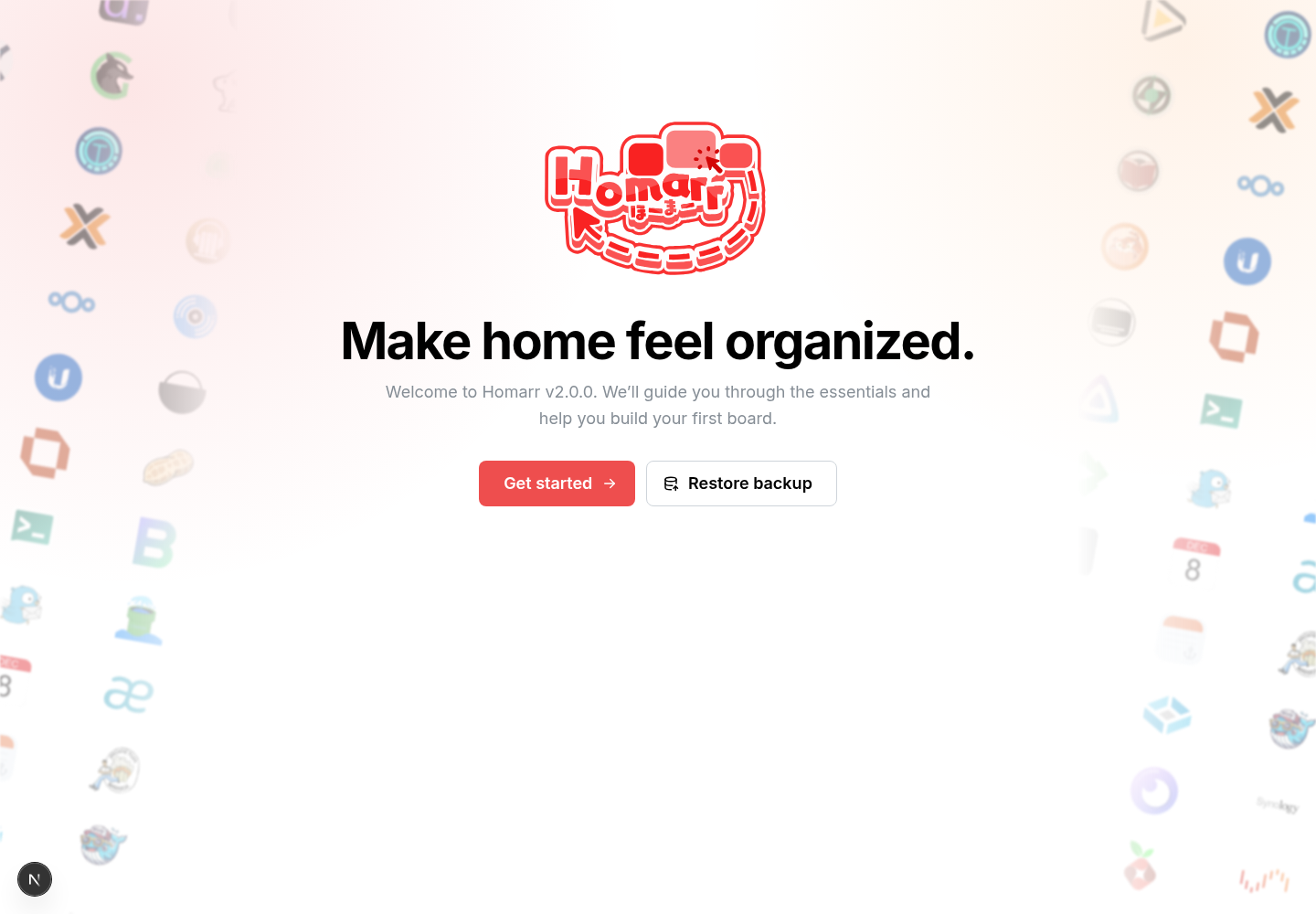
After Homarr starts, open its URL. An unfinished installation redirects to the onboarding screen at /init. Choose
Get started for a new installation or Restore backup to import a compatible SQLite backup.
Persist /appdata before you continue
Onboarding writes the administrator and board configuration to the database. If onboarding returns after a restart,
check that /appdata is writable and persisted. See the Docker installation
guide.
Complete onboarding
Onboarding is split into six short sections. Integrations, Workshop, Assistant, and MCP are optional; skip them when you only need a working board.
1. Essentials
Choose the language, theme, usual server address, and anonymous analytics preference.
2. Discover
Review the database, Docker, Kubernetes, Assistant, and Workshop capabilities Homarr can reach.
3. Connect
Import detected services or add integrations manually. Unfinished integrations can be skipped.
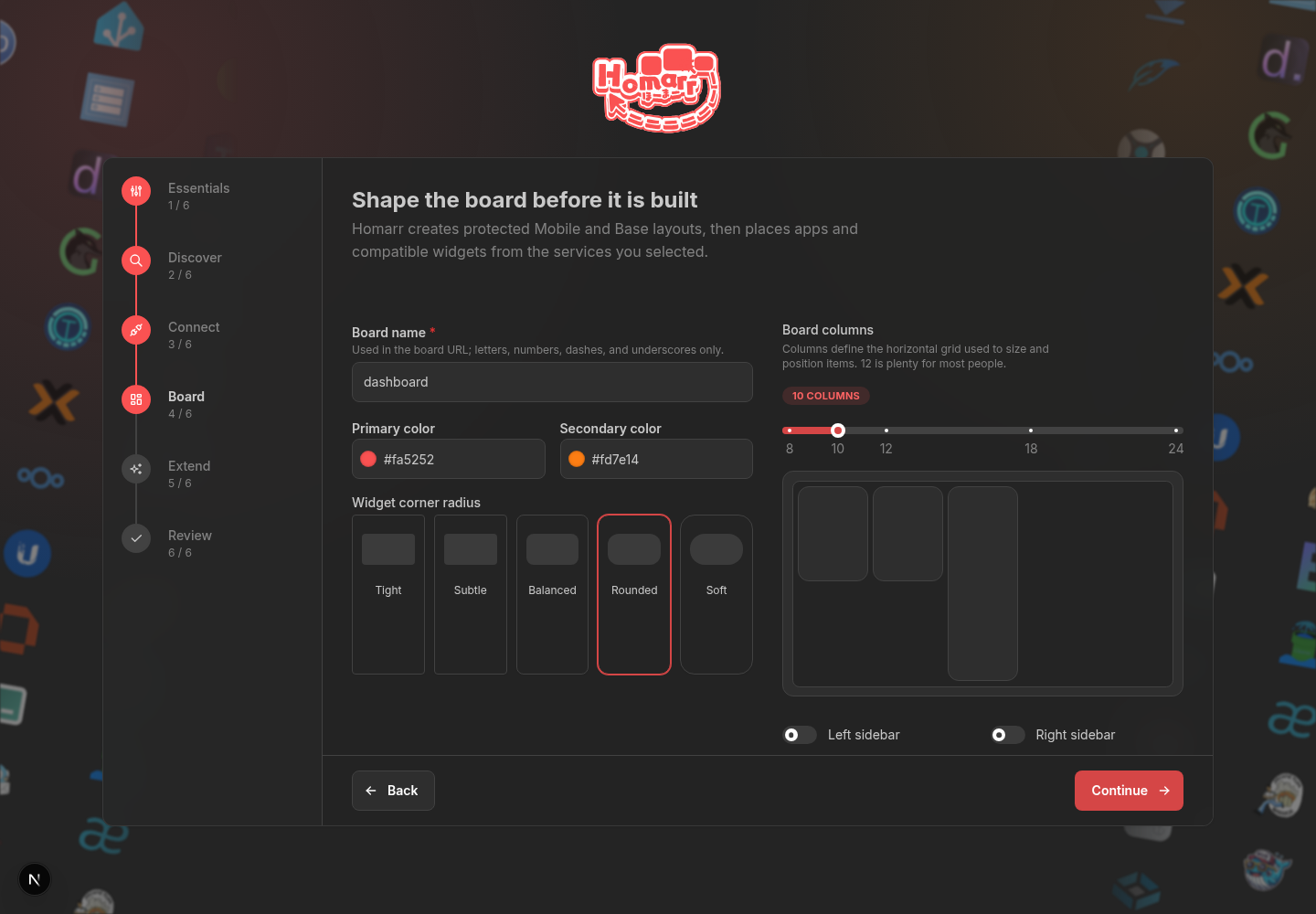
4. Board
Set the board name, colors, corner radius, column count, and optional sidebars.
5. Extend
Optionally connect the Workshop, configure an Assistant provider, or review the MCP endpoint.
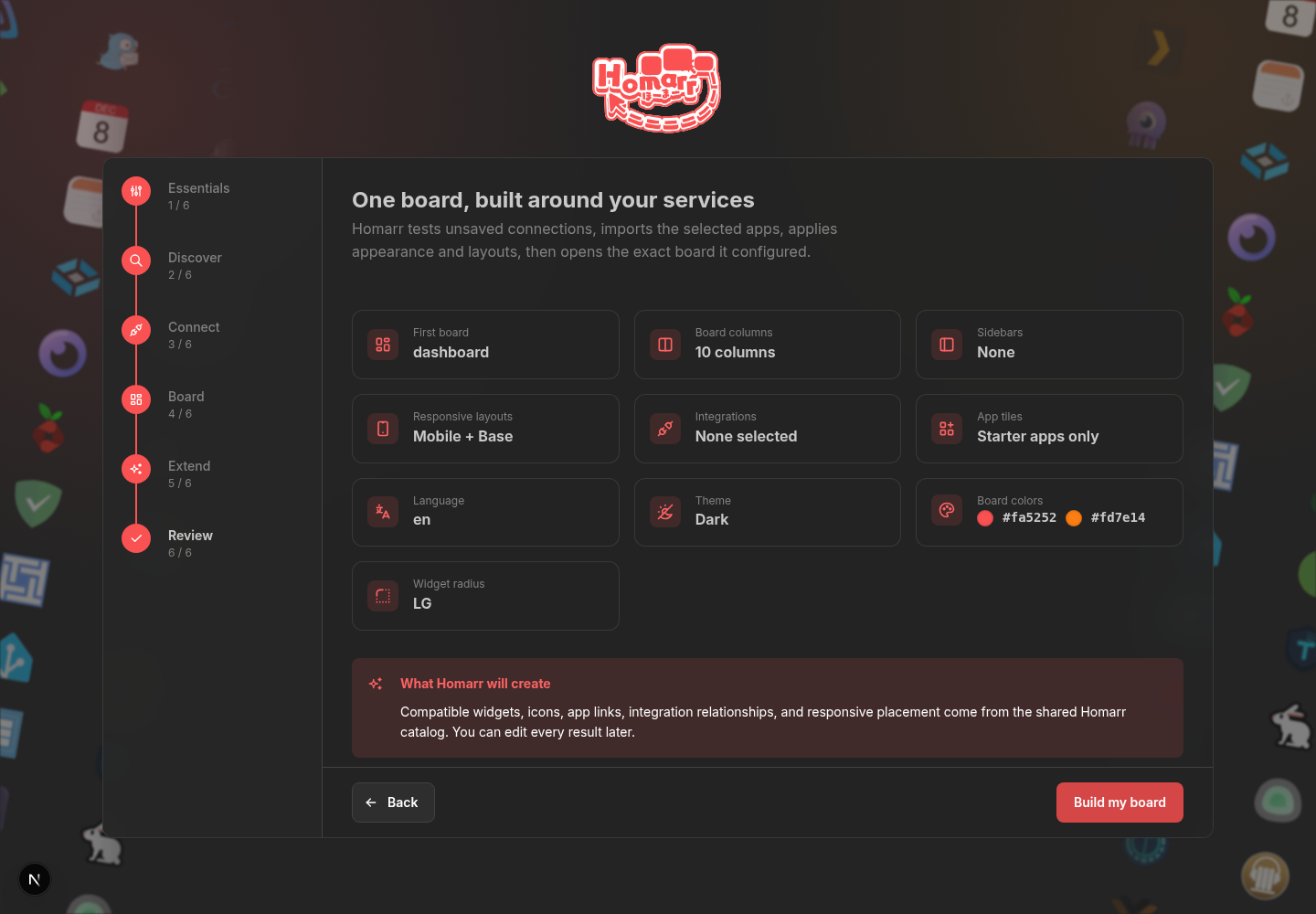
6. Review
Check the final summary, then build the board. Homarr opens the exact board it configured.
The final screen links directly to the new board and the management area. Board layout, integrations, apps, and appearance can all be changed later.
Start or restore
Configure the board
Review before building
Core concepts
Boards
A board is a dashboard page containing apps, widgets, and Containers. Boards can be public or restricted to users and groups. Each user can choose a home board.
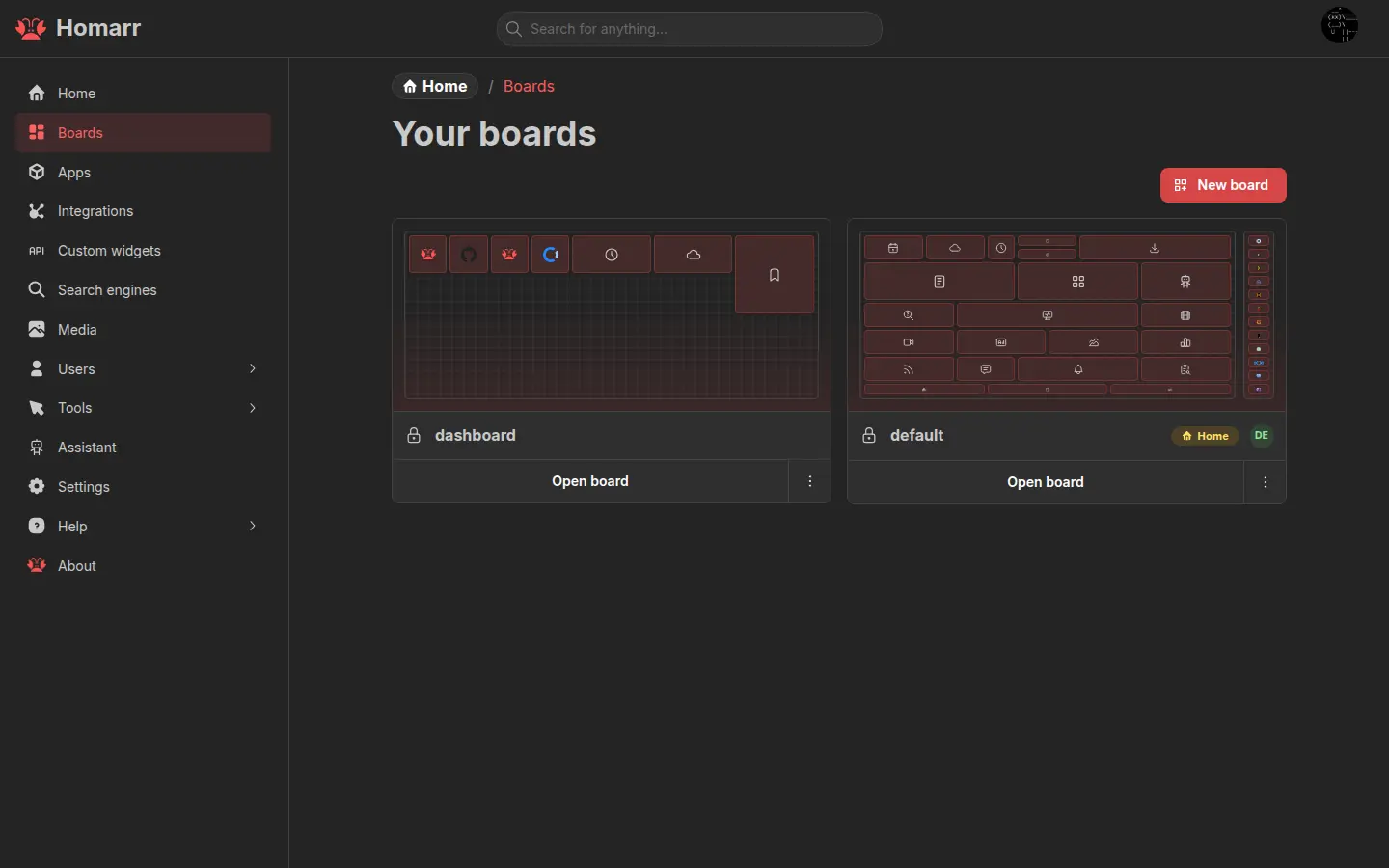
See Boards for responsive layouts, access control, appearance, and home-board settings.
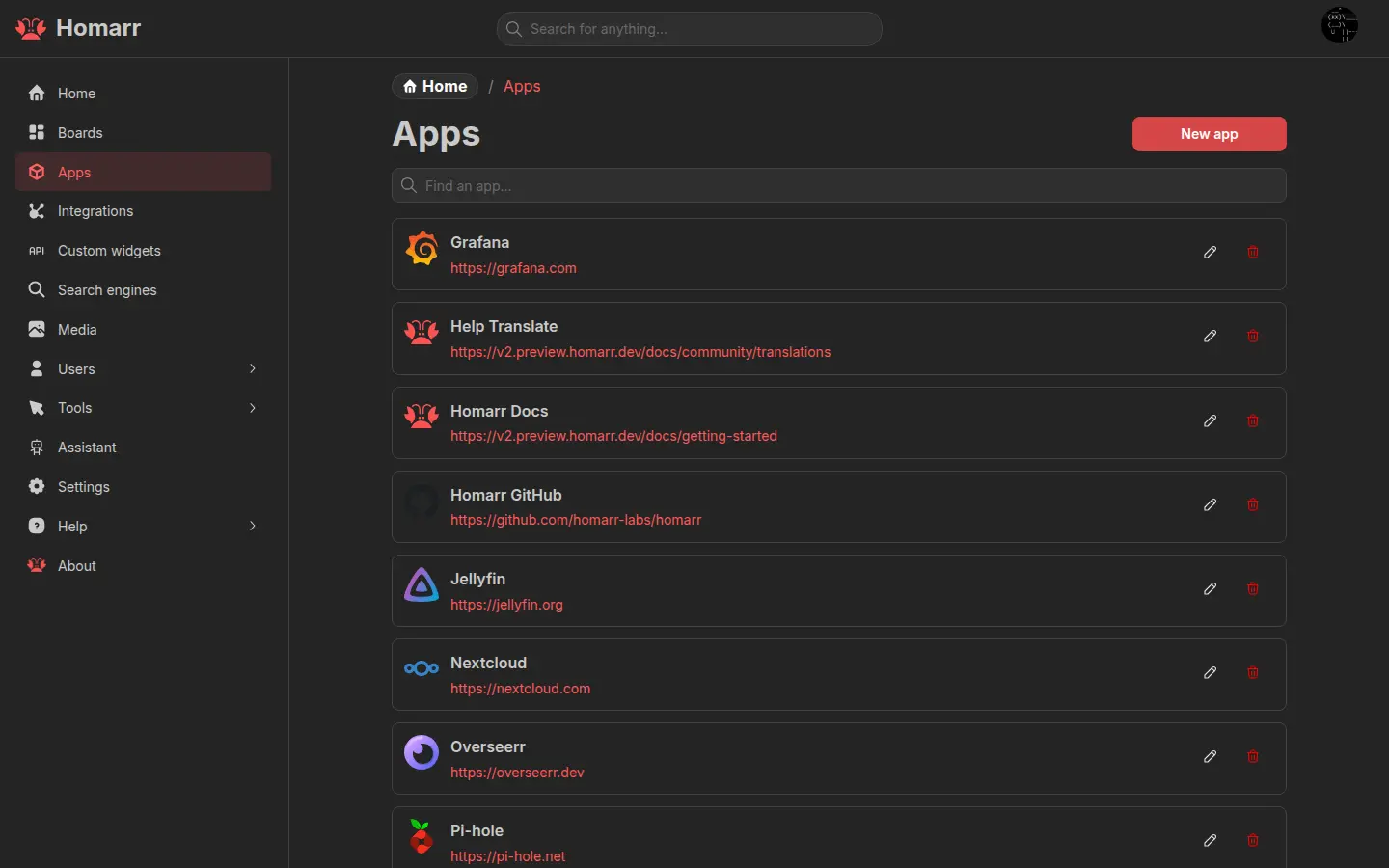
Apps
An app is a saved shortcut: a name, URL, icon, and optional status check. Add an App tile or a Bookmarks widget to show apps on a board.
Integrations
An integration is a server-side connection from Homarr to a supported service such as Sonarr, Home Assistant, or Docker. Integrations provide data and actions to widgets. They can also be linked to apps.
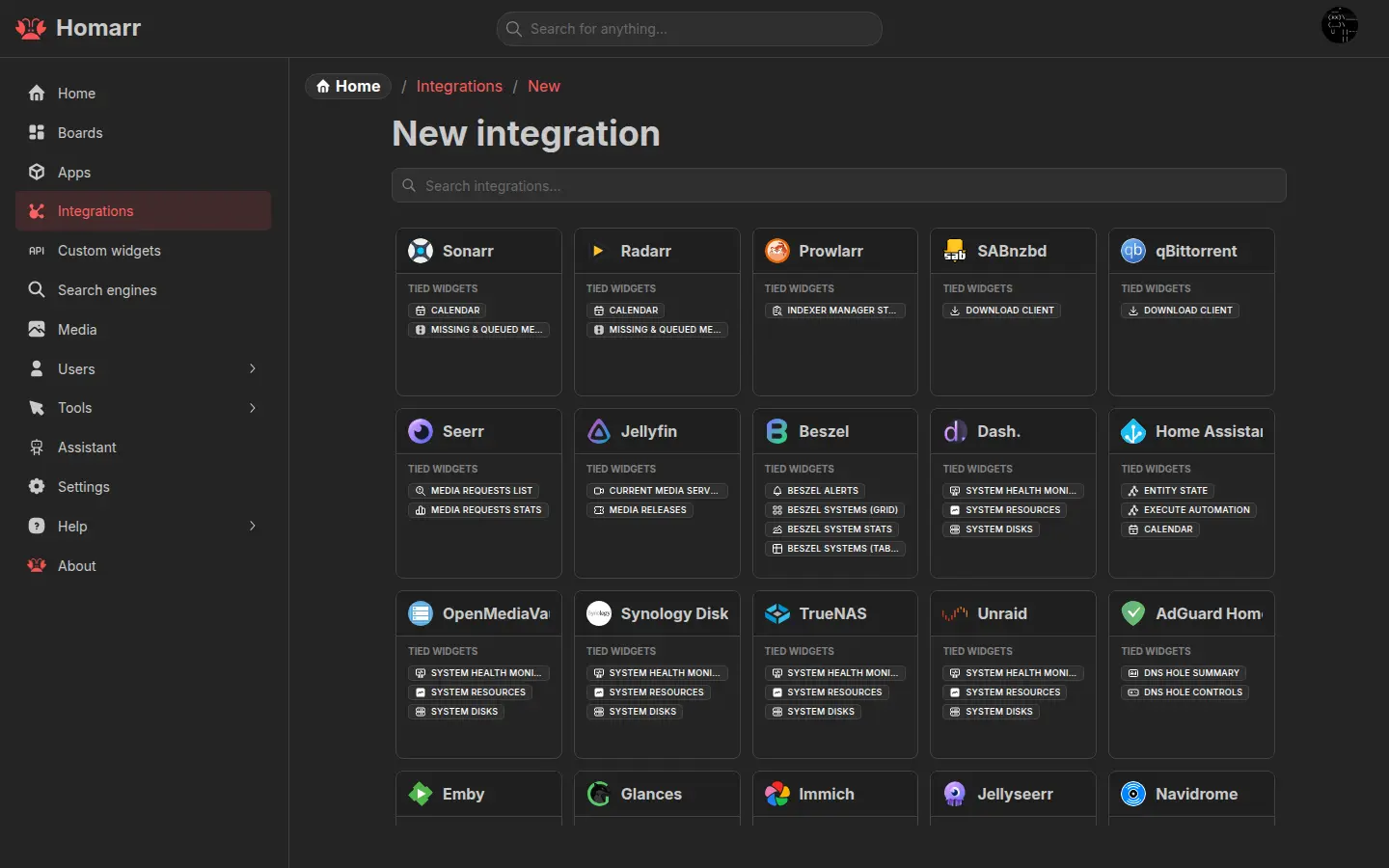
See Managing integrations and the integration catalog.
Widgets
A widget is a board tile. Some widgets work on their own; others require one or more integrations. Configuration, supported integrations, and non-obvious limitations are documented on each widget page.
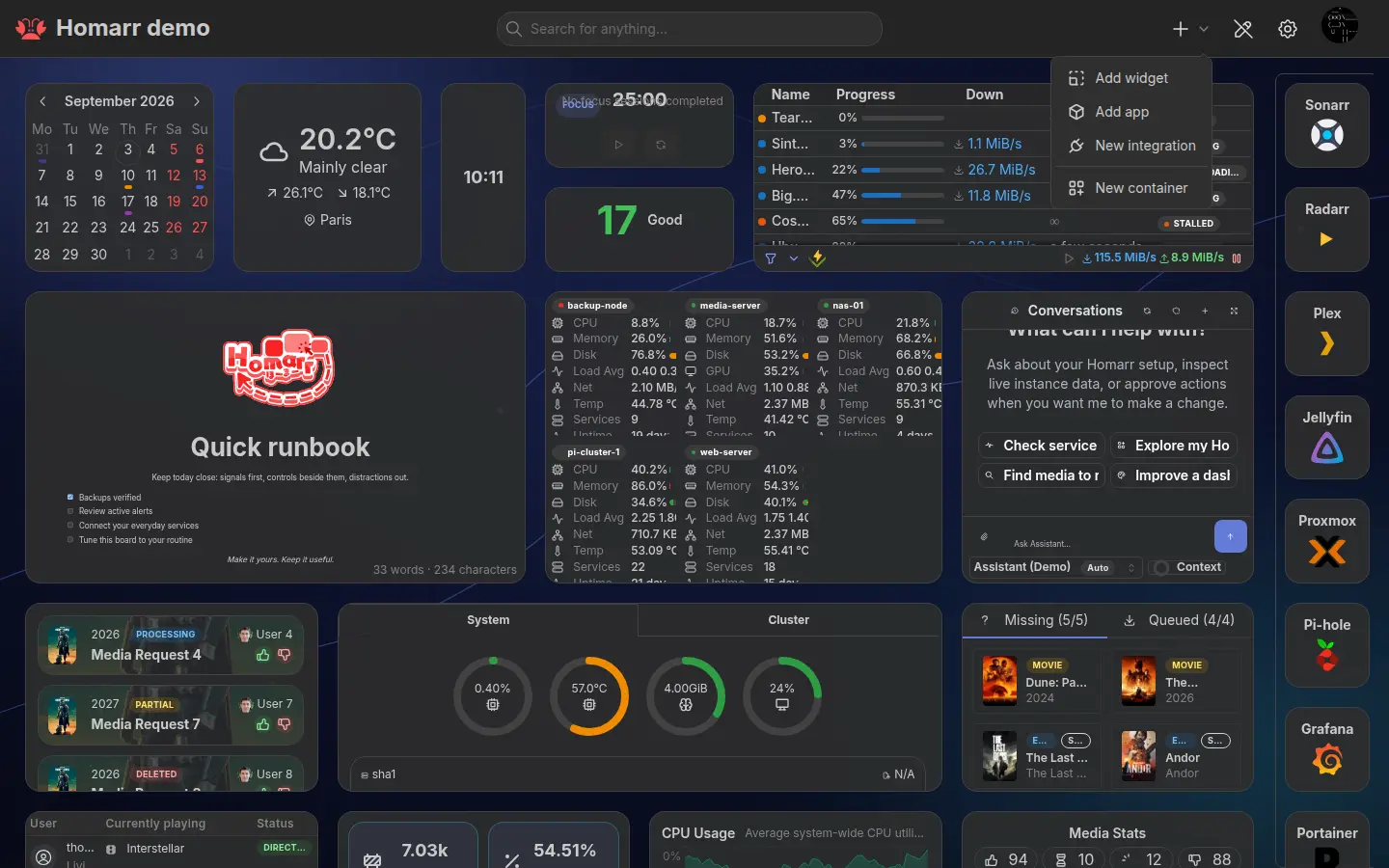
See the widget catalog.
Containers and rails
A Container groups board items and can be nested. A rail reserves a fixed area at the left or right of a responsive layout. Both are configured in board edit mode.
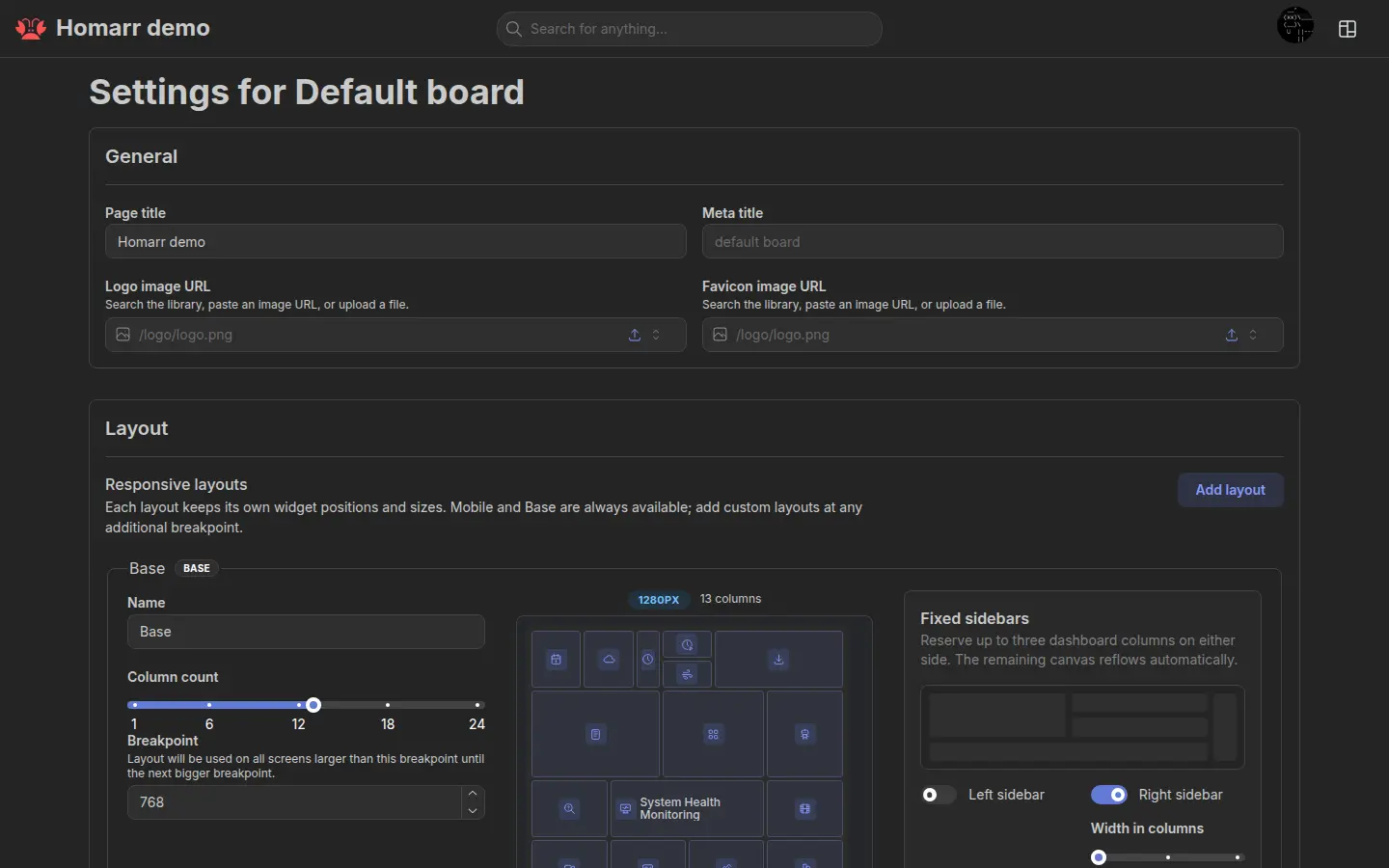
See Boards.
Users, groups, and permissions
Users inherit permissions and default boards from their groups. Resource-specific access can further restrict boards and integrations.
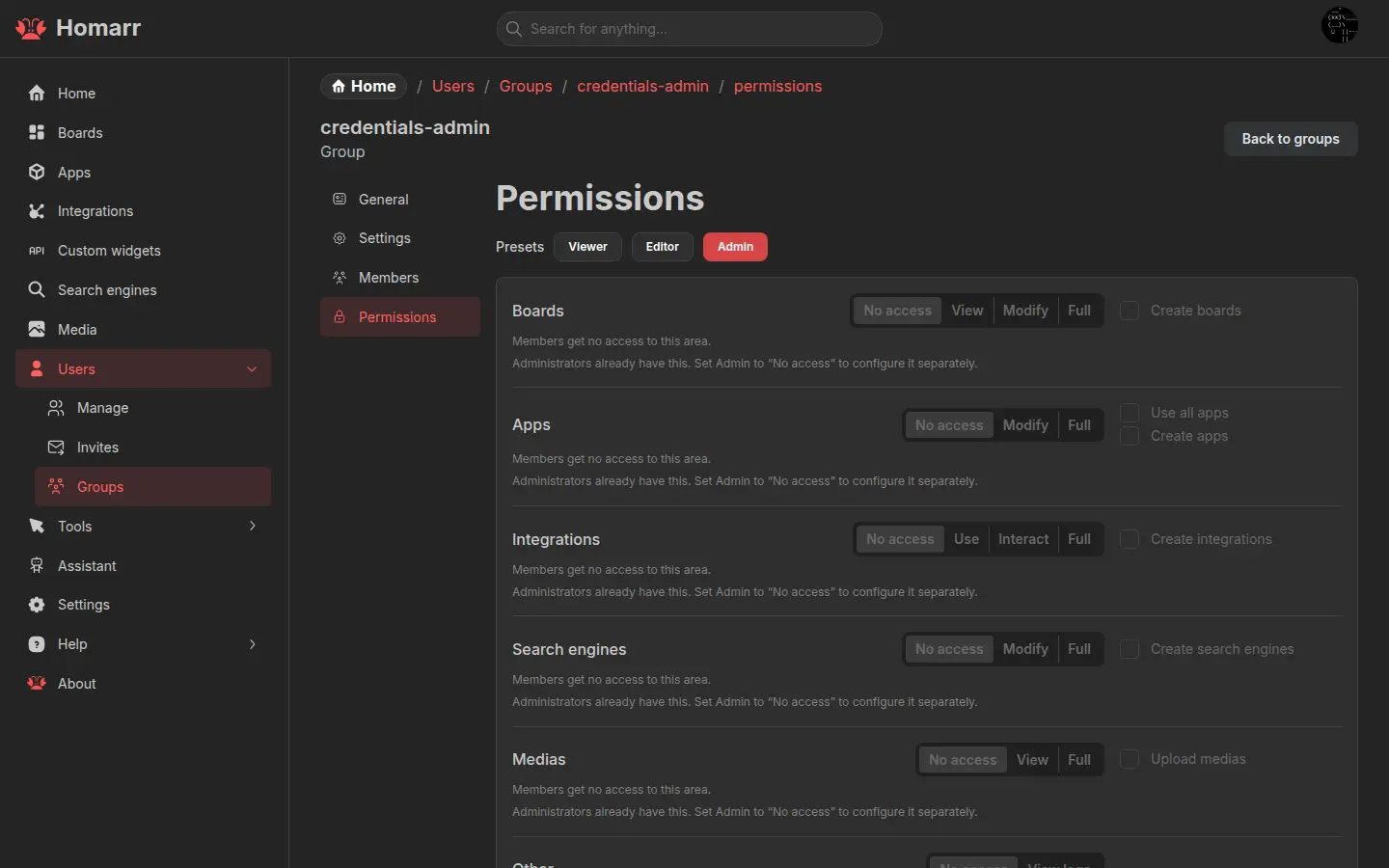
See Users and groups and single sign-on.
Explore further
See the glossary for a compact list of Homarr terms.