
Getting started
Getting started
How Homarr works
Services expose data, integrations connect to them, widgets use the data, and boards arrange the widgets.
1ServiceAPI endpoint


URL + credentialsFetch data and run actionsBoard edit mode
Add items, move them, and resize them on the grid. Each viewport can have its own layout.
- 1Add Choose an app, widget, or container.
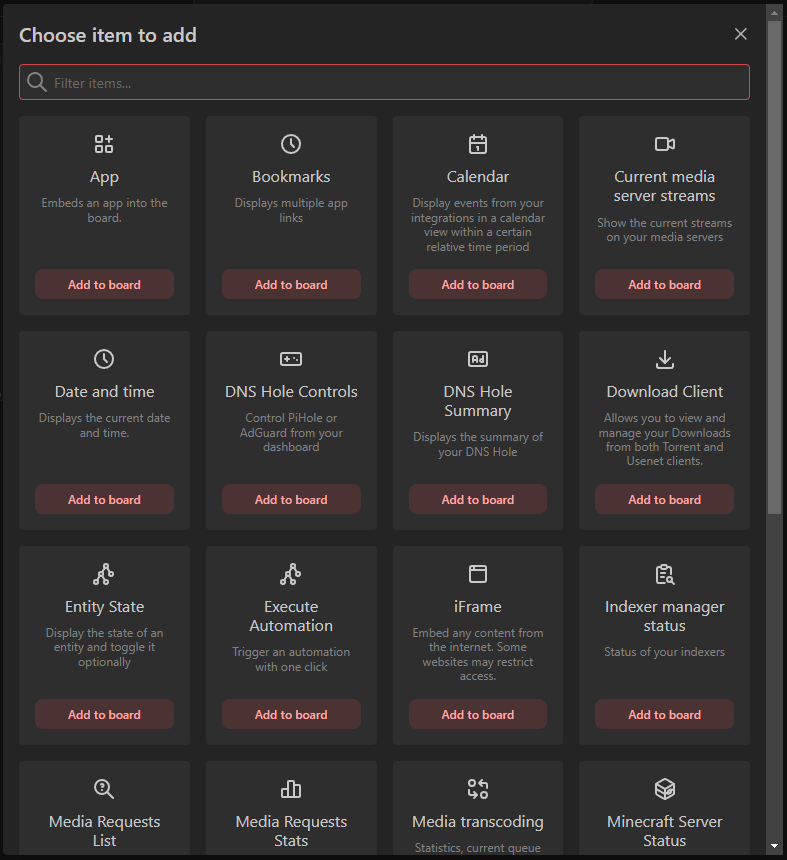
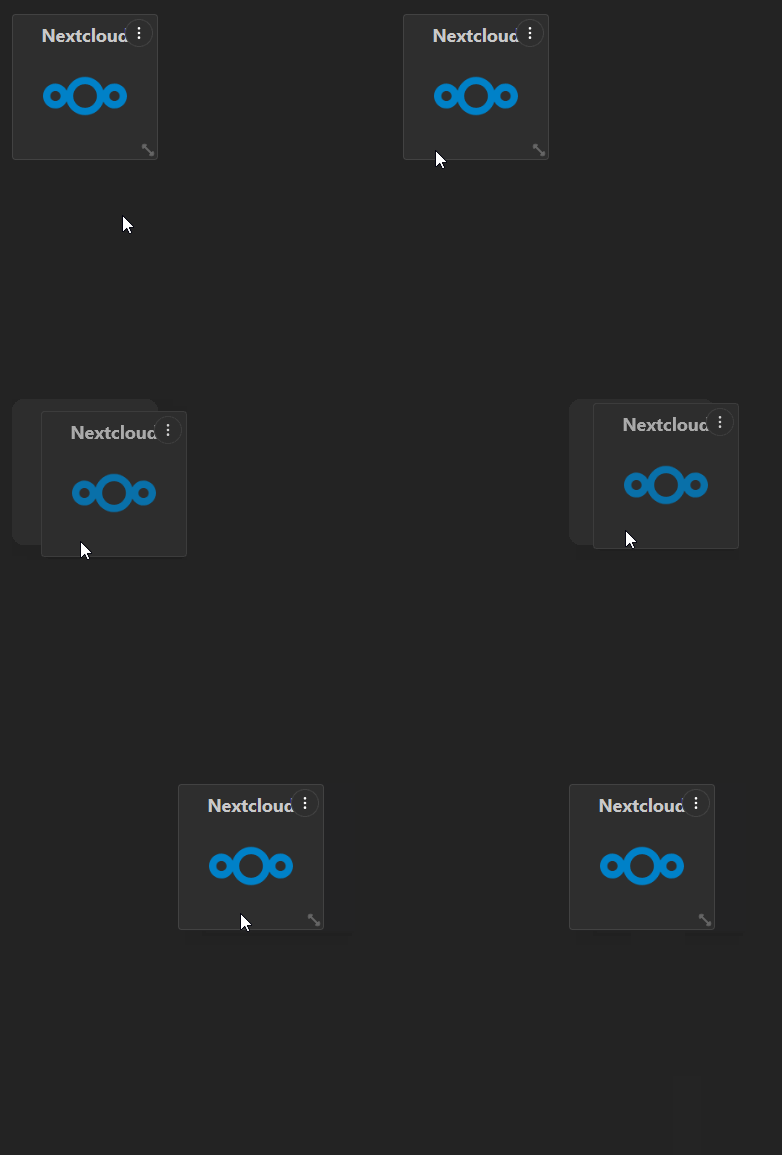
- 2Move Drag the item to another grid position.
- 3Resize Drag the resize handle to change its grid area.
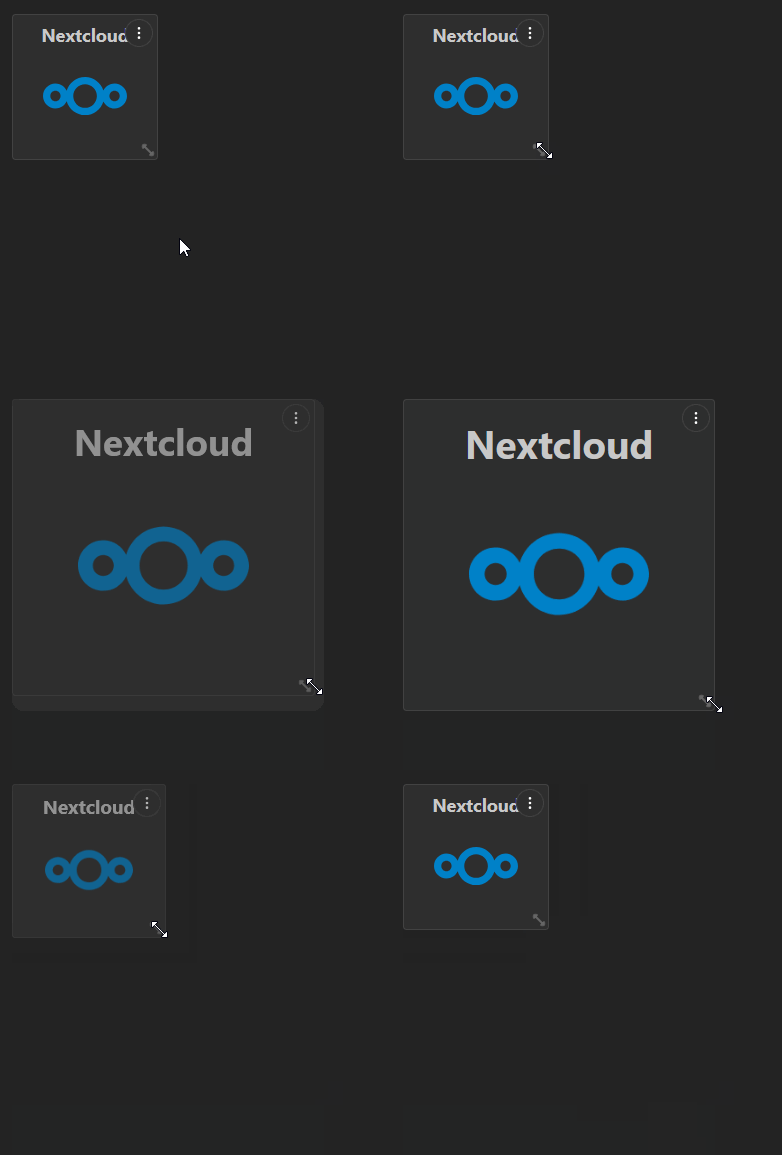
Requirements
linux/amd64orlinux/arm64;- 500 MB RAM;
- 600 MB free disk space for the container image;
- a persistent writable
/appdatadirectory.
linux/arm/v7 is not supported.
Choose an installation method
RecommendedDocker ComposeGeneral-purpose deployment with a persistent appdata volume.KubernetesHelmDeploy Homarr into an existing cluster.PlatformsNAS and hosting guidesUnraid, TrueNAS, Synology, Portainer, Proxmox, and more.
After Homarr starts, open it in a browser and complete onboarding. Then continue with After the installation for the core concepts and the most useful next links.