
Getting startedInstallation
Unraid
You can install Homarr directly from your Unraid Dashboard, no terminal required.
Prerequisites
Install the Community Apps Plugin
Install community applications plugin
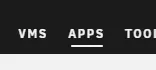
Don't know whether you have the plugin installed or not? Search for this tab in the navigation:
Installing
After you've installed the Community Apps Plugin, you can install Homarr from the Unraid Dashboard.
- Navigate to the tab "Apps".
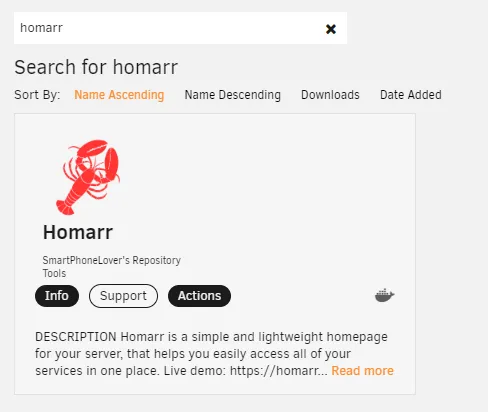
- Search for "Homarr" and click on the result.
- Click on "Install" and adjust the settings to your liking.
After you've installed Homarr, you can find it under the tab "Docker".
The official support thread is located here, but we prefer to communicate over GitHub and Discord instead.