
Command line interface
The Homarr image includes a recovery CLI for operations that cannot be completed in the web interface. It is not an application API; use the API or MCP endpoint for automation.
Back up the database and stop Homarr before running a command that changes data. Failed commands print an error and return a non-zero exit code, so shell scripts can stop safely.
Run the recovery CLI
Open a shell in the container, then pass a command to homarr:
docker exec -it <container-id> /bin/bash
homarr <command>
QNAP Container Station
- Open Container Station.
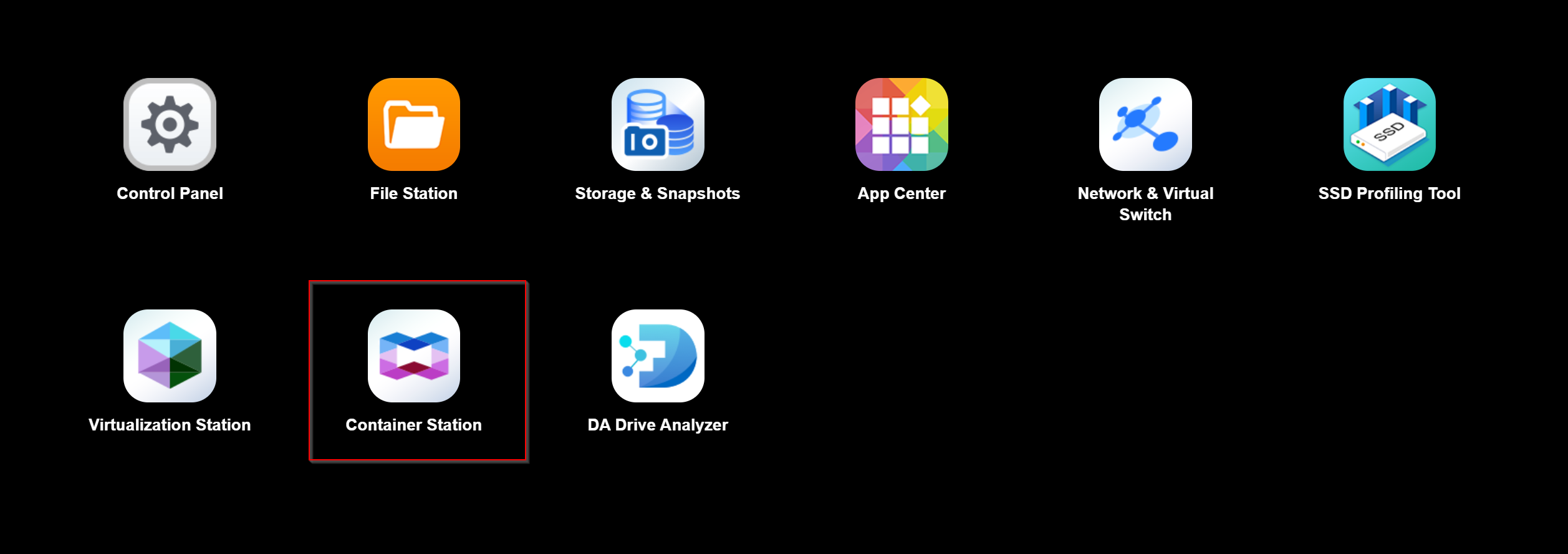
- Select Containers.
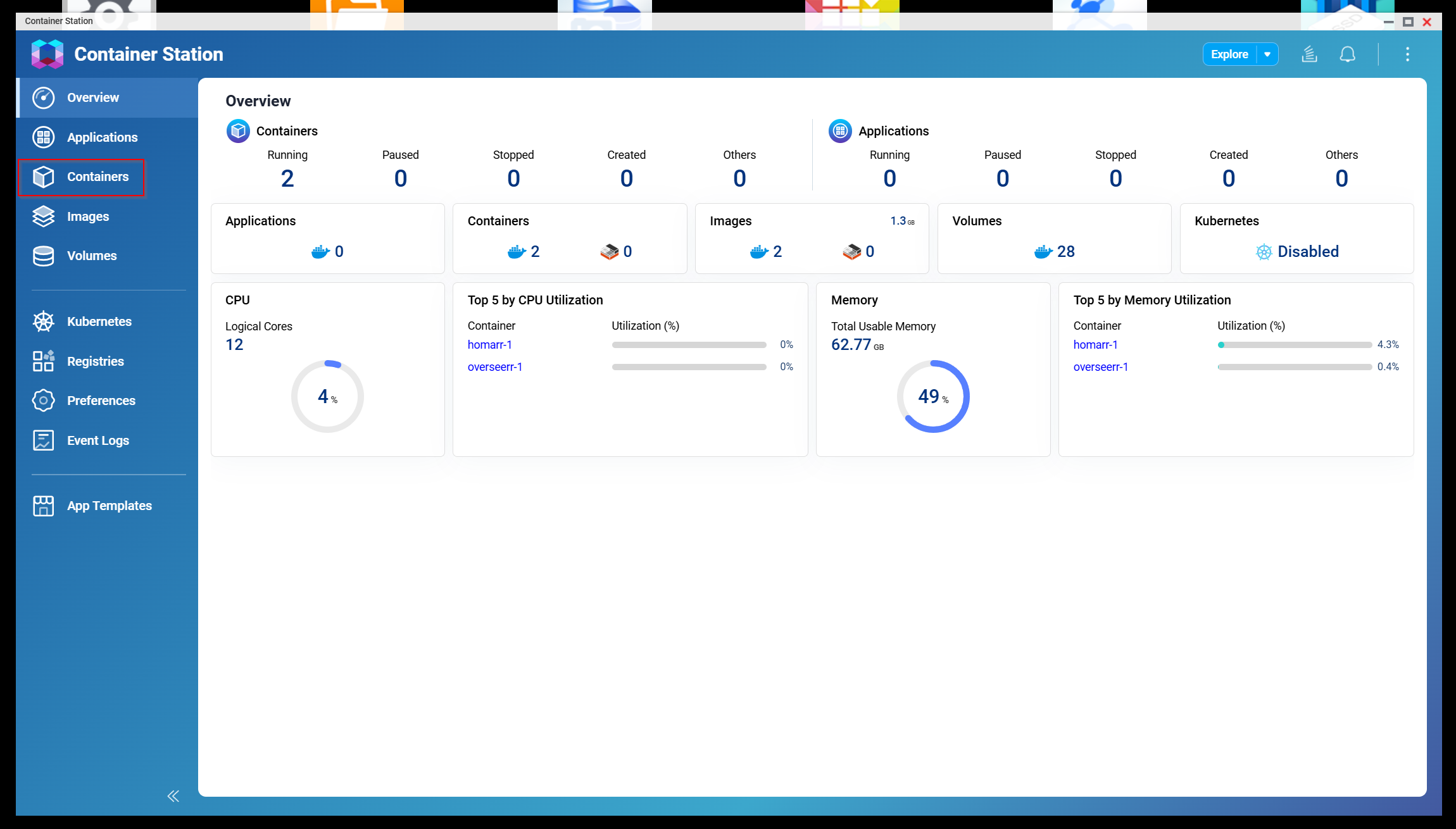
- Select the Homarr container.
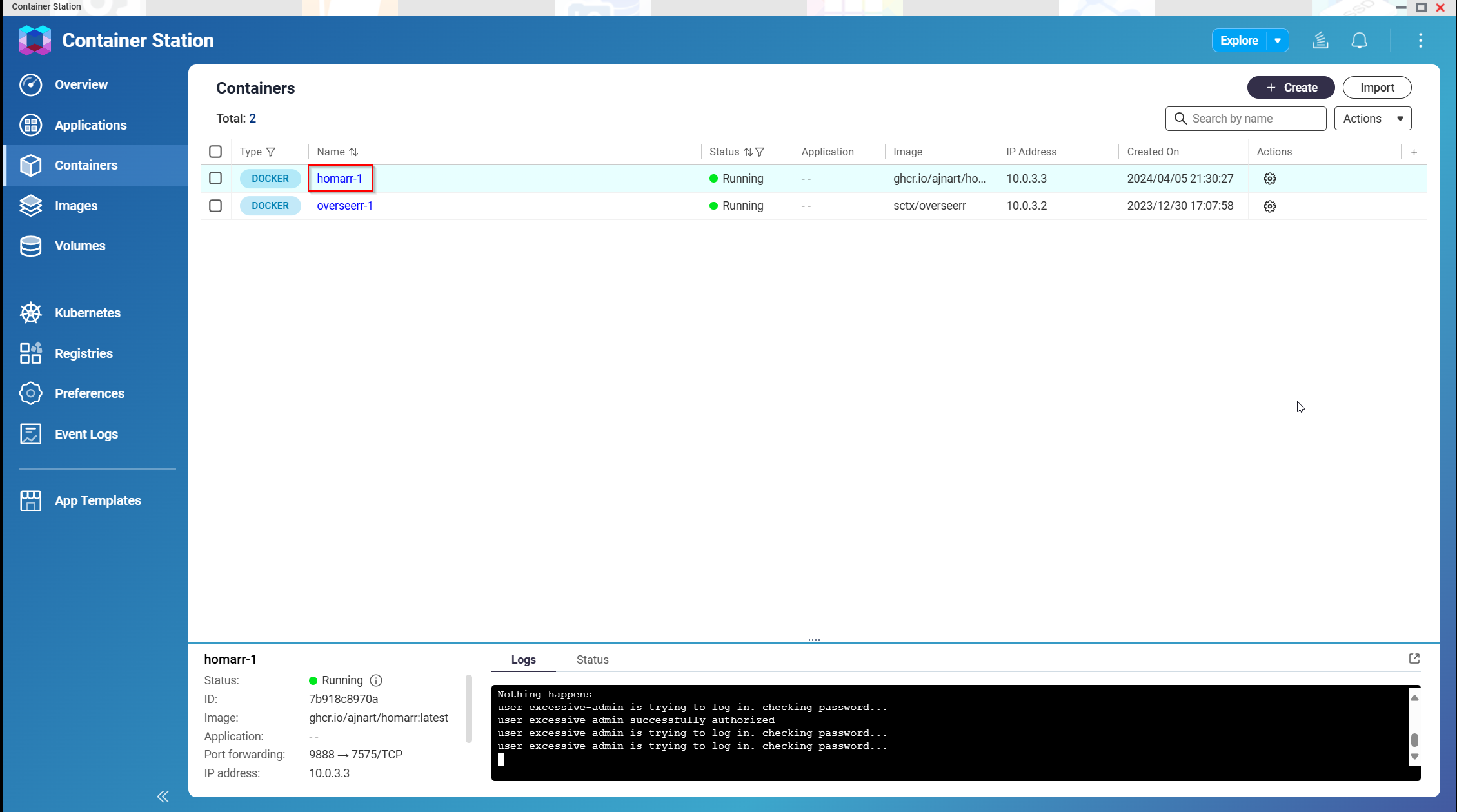
- Select Execute.
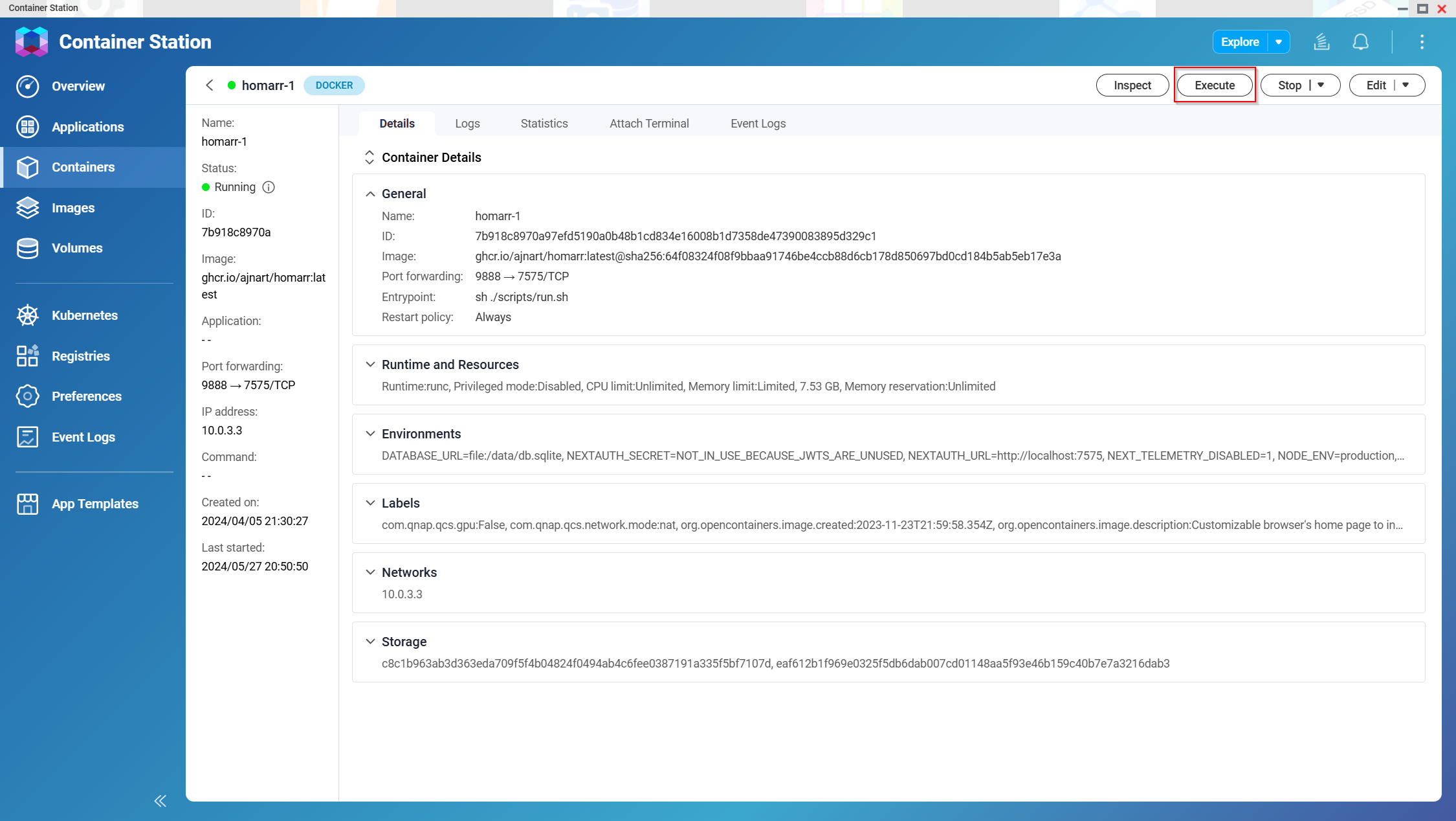
- Select
/bin/bash, then select Execute.
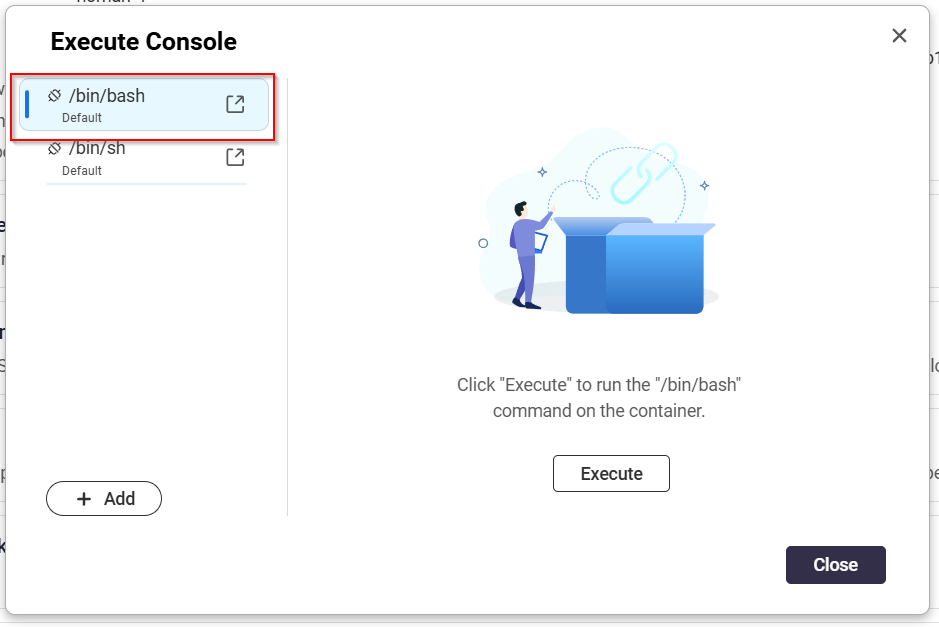
- Run
homarr <command>in the console.
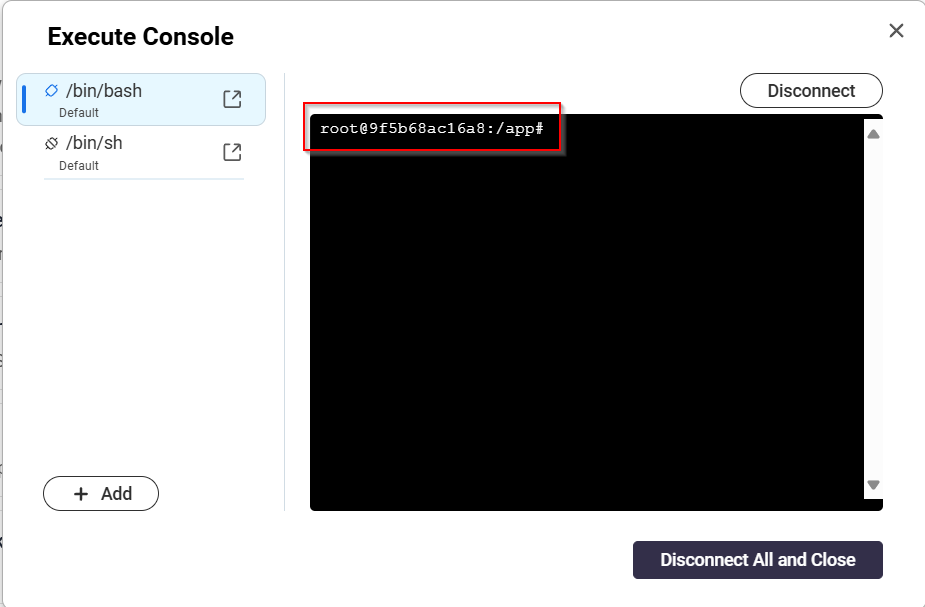
See the pages in this section for available commands.
Build a local branch harness
The repository's host-side CLI can build the current checkout and run it as a named Docker harness:
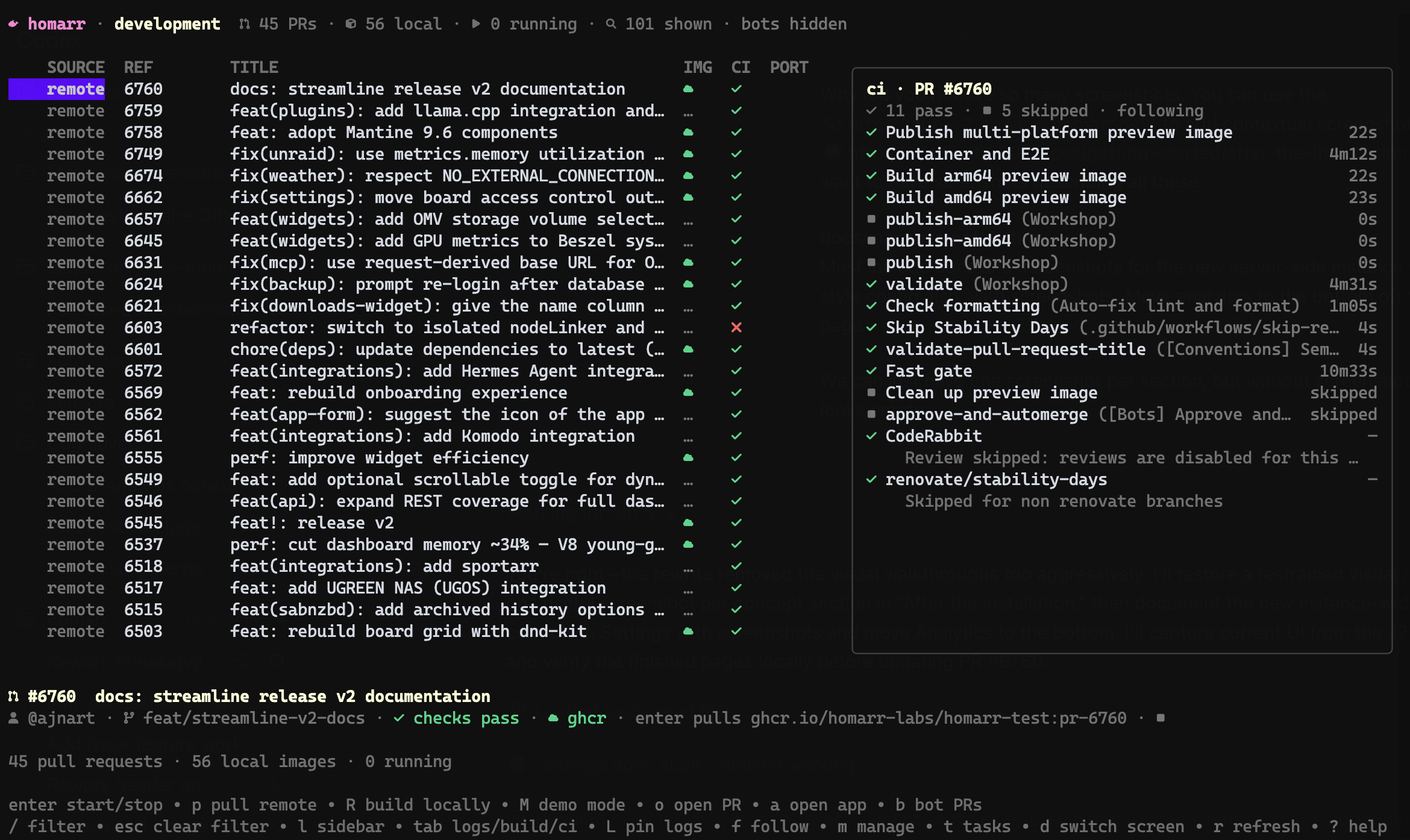
pnpm cli harness setup feature-boardThis creates homarr:feature-board, starts it with persistent demo data, and prints the assigned URL. Query the port
again with:
pnpm cli harness port feature-boardPass environment overrides with repeated --env options:
pnpm cli harness setup feature-board \
  --env WORKSHOP_WEB_URL=https://example.test \
  --env FEATURE_FLAG=true
Related commands are harness build <name>, harness run <name>, and harness stop <name>.