Migrate from 0.15.10+ to 1.0.0
By meierschlumpf
In this guide, we will show you how to migrate from Homarr 0.15.10+ to 1.0.0. If you are still on a version before 0.15.10, please update to 0.15.10 where we introduced the migration export page.
Preserve your old installation
Homarr 1.0 is a complete rewrite and cannot reuse the old Docker mounts. Keep the 0.15 installation and its data intact while you build the replacement. The historical Management > Tools > Migrate to 1.0 export can still be kept as a record, but current Homarr releases cannot import that ZIP or its secret key.
Plan to recreate your apps, integrations, and boards manually in the new installation. A SQLite database backup can be restored from the onboarding welcome screen only when it was created by a compatible current Homarr release; it is not a conversion path for a 0.15 database.
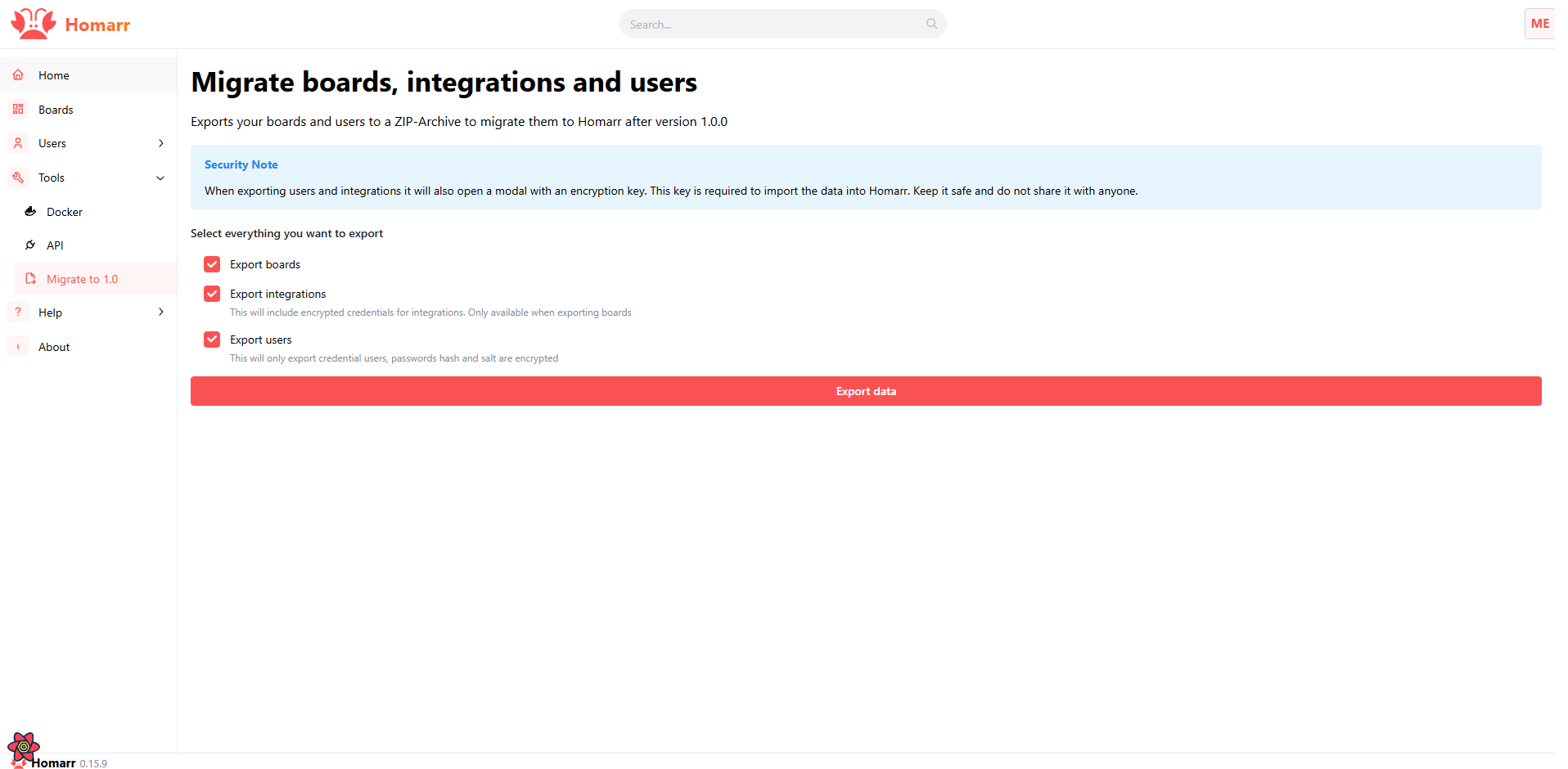
Create a parallel installation
We highly recommend to create a parallel installation of Homarr 1.0.0.
So if something with for example the import does not quite work, the data in the old installation is still available.
To do this you can follow the appropriate installation guide for your system.
Please note that if you are using docker you need to specify a diffrent external port for the new installation as the old one had the same port.
So in your compose file the ports would be 7576:7575 instead of 7575:7575.
Import your data
Legacy guide
The pre-1.0 ZIP importer is no longer included in current Homarr releases. Keep the old installation available until you have manually verified the replacement. Compatible SQLite backups from current releases can still be restored from the onboarding welcome screen.
Remove the old installation
After you are happy with the new installation and everything is working as expected you can remove the old installation.
Please make sure to backup the data before you remove the old installation.
Also once the port 7575 is free again you can change the port mapping of the new installation to 7575:7575 if you want to.